


Yes, AI can match payments to invoices automatically with over 90% accuracy, even when reference numbers are missing, amounts are partial, or customers pay multiple invoices in a single transaction. AI-powered cash application cross-references amounts, customer data, payment history, and remittance details to resolve matches that would take your team minutes or hours per transaction. The result is real-time reconciliation that eliminates spreadsheet lookups, prevents duplicate follow-ups on already-paid invoices, and frees your AR team for higher-value work.
A payment hits your bank account. The amount does not match any single open invoice exactly. There is no reference number in the memo field. The customer name on the bank statement is slightly different from the name in your accounting system. Your AR specialist opens a spreadsheet, pulls up the aging report, checks the customer's history, and starts the detective work.
This scenario plays out thousands of times a day in B2B finance teams. According to industry research, the average AR team spends 30% to 50% of their time on cash application and reconciliation. For a team of three, that is the equivalent of one full-time employee doing nothing but matching payments to invoices.
AI changes this completely. Modern AI-powered cash application matches payments to invoices automatically, handles the edge cases that make manual matching so time-consuming, and keeps your AR data accurate in real time. Payment matching is one piece of a larger category, accounts receivable automation software, that covers the whole collections workflow.
Why manual payment matching breaks down
Manual reconciliation worked when businesses processed a handful of payments per day. At scale, it creates three compounding problems.
Speed
Every payment that sits unmatched is a payment that has not been applied to your books. Your aging reports are wrong. Your follow-up sequences may send reminders for invoices that are already paid. Your cash position is unclear. The longer a payment sits in limbo, the more downstream problems it creates.
Most manual matching processes run in batches. The AR team reconciles payments once a day, or worse, once a week. That means a payment received on Monday morning might not be applied until Friday. During that gap, the customer could receive an overdue reminder for an invoice they already paid. That erodes trust and creates unnecessary back-and-forth.
Complexity
B2B payments are rarely clean. Unlike consumer transactions where one payment covers one purchase, B2B payments frequently involve:
- Partial payments. The customer pays a portion of an invoice and plans to pay the rest later.
- Combined payments. One payment covers three, five, or ten invoices at once, sometimes with a single line in the bank feed.
- Short payments. The customer deducts an early-payment discount, a disputed amount, or a credit they believe they are owed.
- Missing references. The payment arrives with no invoice number, a wrong invoice number, or a truncated reference that does not match your records.
- Name mismatches. The bank shows the parent company's name, but the invoices are under a subsidiary or a doing-business-as name.
Each of these scenarios requires human judgment in a manual process. That judgment takes time, and when multiple scenarios stack on a single payment, resolution can take 30 minutes or more.
Error rates
Manual matching is error-prone. A study by the Association for Financial Professionals found that organizations relying on manual cash application report error rates of 2% to 5%. That might sound small, but on 1,000 payments per month, that is 20 to 50 misapplied payments. Each misapplied payment creates a cascade: incorrect aging data, wrong follow-up actions, confused customers, and additional hours spent fixing the mistakes.
How AI payment matching works
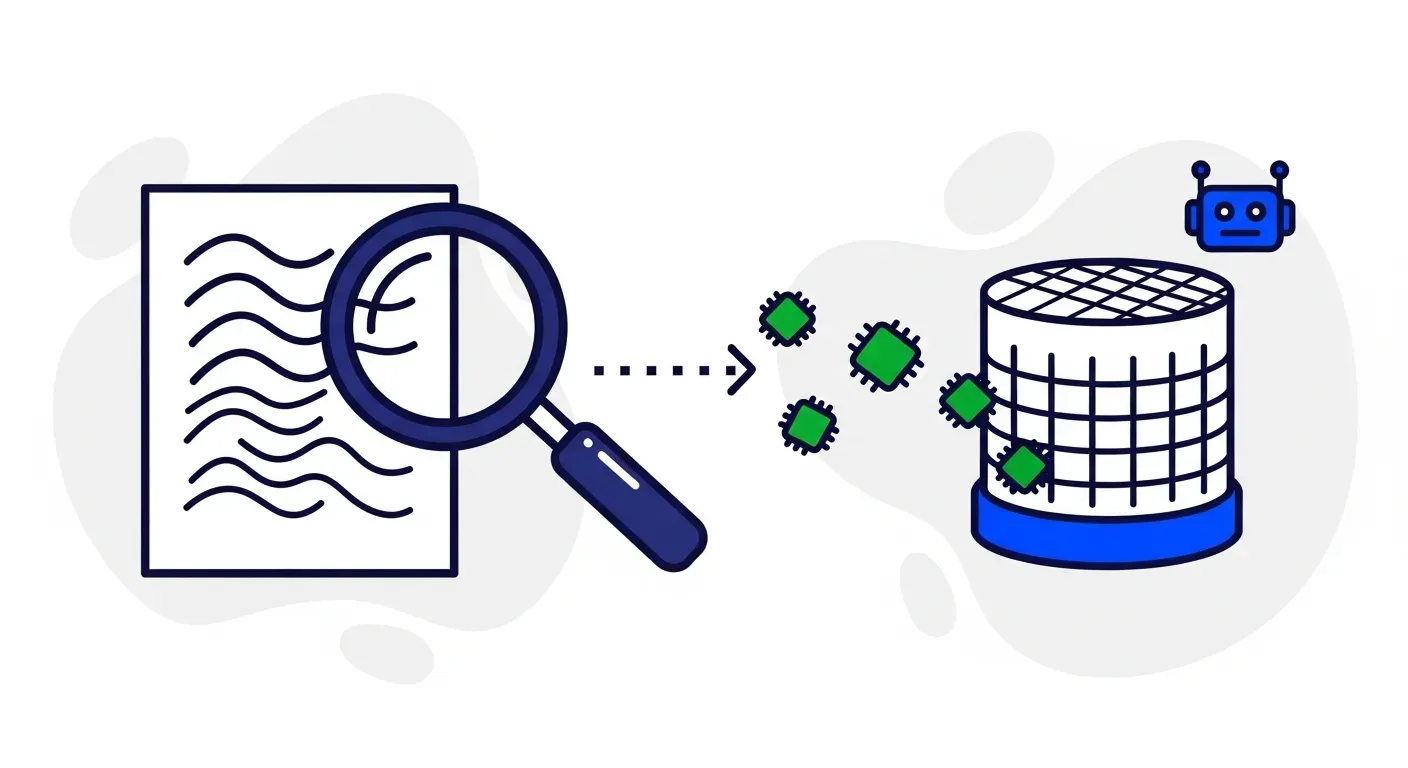
AI-powered cash application takes a fundamentally different approach from manual matching. Instead of relying on a single data point (usually the reference number), AI evaluates multiple signals simultaneously.
Multi-factor matching
When a payment arrives, the AI system evaluates:
- Payment amount. Does it match the exact amount of one or more open invoices?
- Reference data. Does the memo, remittance advice, or bank reference contain an invoice number?
- Customer identification. Can the payer be matched to a customer in your system based on bank account number, company name, or historical payment patterns?
- Timing. When was the invoice sent? Is this payment arriving within the expected payment window?
- Payment history. Does this customer typically pay invoices individually or in batches? Do they take early-payment discounts? Do they round to the nearest dollar?
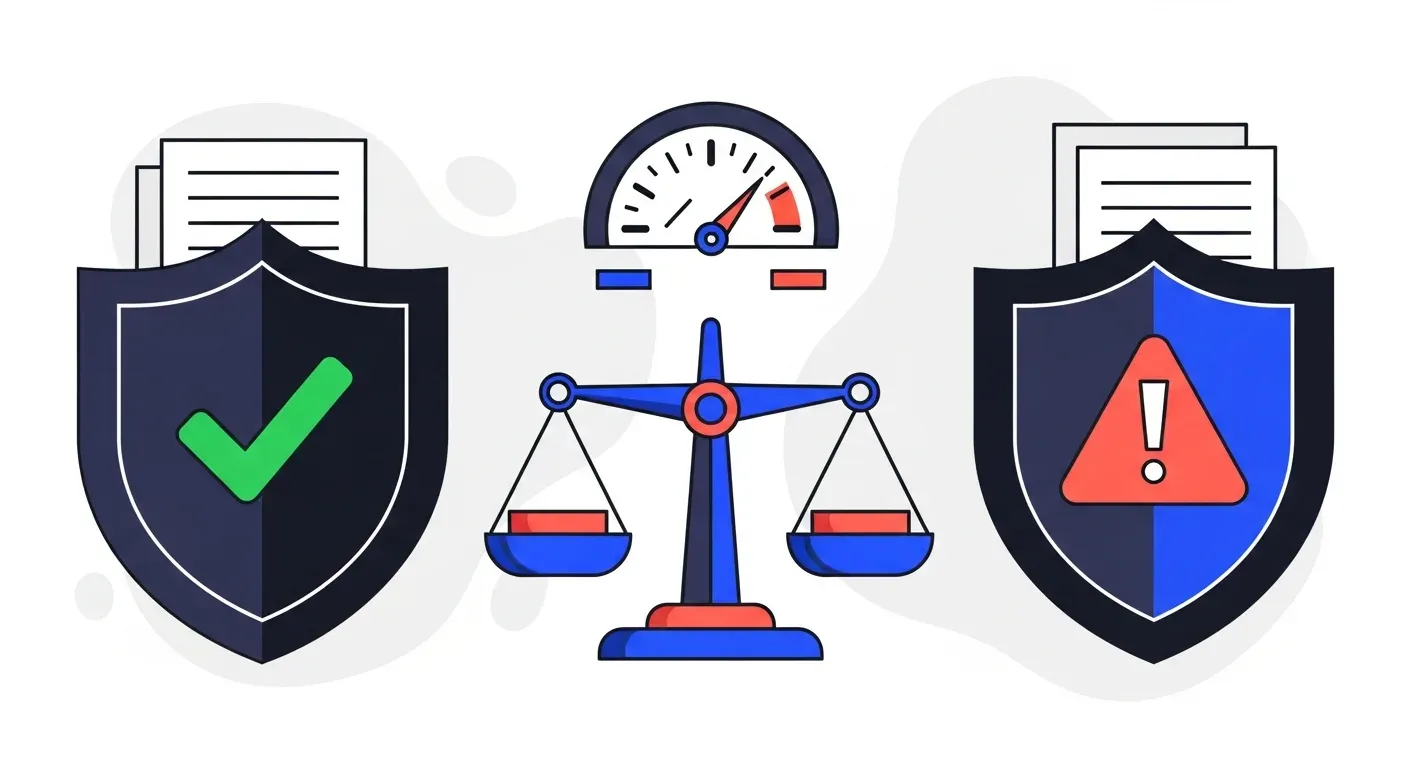
Each factor generates a confidence score. When the combined confidence exceeds a threshold, the match is applied automatically. When it falls below the threshold, the payment is routed for human review with a ranked list of likely matches and the reasoning behind each suggestion.
Handling partial and combined payments
Partial payments are one of the most time-consuming scenarios for manual matching. AI handles them by testing the payment amount against all possible combinations of open invoices for that customer.
For example, if a customer has open invoices for $4,200, $1,800, $3,500, and $2,100, and a payment of $6,000 arrives, the AI system identifies that $4,200 + $1,800 = $6,000 and applies the payment accordingly. If the amount does not match any combination exactly, the system checks whether the difference falls within a known tolerance (such as an early-payment discount or a rounding adjustment) and applies the match with the appropriate notation.
Combined payments follow the same logic but with more variables. When a single bank transaction covers multiple invoices, the AI system evaluates all possible groupings and selects the combination with the highest confidence score.
Resolving missing and incorrect references
This is where AI adds the most value compared to rules-based automation. Traditional matching engines require a reference number. When it is missing or wrong, the transaction goes straight to the exception queue.
AI takes a different approach. If the reference is missing, the system falls back to secondary matching criteria: the amount, the customer's bank details, their typical payment timing, and the set of invoices currently due. In many cases, these secondary signals are sufficient for a high-confidence match.
If the reference is incorrect (a transposed digit, a truncated number, or an old invoice number format), AI uses fuzzy matching to find the closest valid reference and confirms it against the payment amount and customer data.
Learning and improving over time
Unlike rules-based systems, AI payment matching gets better with use. Every match your team confirms (and every match they correct) teaches the system about your specific customers and their payment behaviors.
If a particular customer always combines their invoices into a single monthly payment, the system learns that pattern. If another customer consistently uses their internal PO number instead of your invoice number in the reference field, the system learns to cross-reference against your PO data. Over time, the straight-through matching rate increases and the exception queue shrinks.
What this means for your AR workflow
Automated payment matching changes how your AR team operates day to day.
Real-time reconciliation
Instead of batch reconciliation at the end of the day or week, payments are matched as they arrive. Your aging reports are always current. Your follow-up sequences only target invoices that are genuinely unpaid. Your cash position reflects reality, not a lagging snapshot.
This real-time accuracy is especially important for teams using automated follow-ups. If your AR automation sends a reminder for an invoice the customer already paid, you have damaged the relationship and wasted your team's time handling the complaint. AI payment matching prevents this by ensuring that paid invoices are cleared from follow-up sequences within minutes.
Fewer exceptions, better exceptions
Manual matching treats every unmatched payment as an exception that needs human attention. AI matching resolves the vast majority of these automatically, so the exceptions that do reach your team are genuine edge cases that warrant investigation.
Instead of sorting through 50 unmatched payments to find the 5 that are actually complicated, your team goes straight to the 5. The context provided by the AI (ranked candidate matches, confidence scores, reasoning) means they can resolve even those exceptions faster.
Accurate DSO and cash flow visibility
When payments sit unmatched for days, your DSO calculation is artificially inflated. You appear to be collecting more slowly than you actually are. This distortion affects financial planning, credit decisions, and management reporting.
With real-time matching, your DSO reflects actual collection performance. Cash flow forecasts are based on real data, not estimates. And your team can identify genuine collection problems faster because the noise from unmatched payments has been eliminated.
What to look for in an AI payment matching solution
Not all payment matching tools are equally capable. Here are the features that separate effective solutions from basic ones.
Accounting system integration
The matching engine must connect directly to your accounting software. If you use QuickBooks, Xero, NetSuite, Sage, or Odoo, the integration should sync open invoices, customer records, and payment data in real time. One-way or batch integrations create the same lag problems you are trying to solve.
Bank feed connectivity
The system needs access to your bank transaction data. Some platforms connect directly to your bank. Others ingest data through your accounting system's bank feed. Either approach works as long as the data is timely and complete.
Tolerance and discount handling
B2B payments frequently involve early-payment discounts, volume rebates, and allowable write-off thresholds. Your matching system should be configurable to apply these automatically within your defined tolerances. A payment that is $50 short on a $10,000 invoice because of a 0.5% early-payment discount should not land in the exception queue.
Multi-entity and multi-currency support
If your business operates across multiple entities, currencies, or banking relationships, your matching solution needs to handle that complexity. Payments may arrive in different currencies, from different banks, for invoices issued by different entities. The system should match across these dimensions without manual intervention.
Exception workflow
When a payment cannot be matched automatically, the system should present your team with the best candidate matches, the confidence scores, and the specific reasons the automatic match was not applied. This gives your team a starting point rather than a blank search.
The connection between payment matching and collections
Payment matching and collections follow-up are two sides of the same coin. When they operate in silos, problems multiply.
Consider what happens when your follow-up system does not know about a payment that just arrived. It sends a reminder. The customer responds, annoyed, saying they already paid. Your team investigates, finds the unmatched payment, applies it manually, and apologizes. This wastes time on both sides and strains the relationship.
Now consider what happens when payment matching and collections operate on the same platform. A payment arrives and is matched in real time. The follow-up sequence for that invoice stops immediately. If the payment is partial, the sequence adjusts to follow up on only the remaining balance. If the payment resolves a dispute, the dispute flag is cleared automatically.
This integration is why the most effective AR automation platforms handle both matching and follow-up in a single system. Yonovo connects payment matching with multi-channel follow-ups across email, SMS, WhatsApp, and AI voice calls, ensuring that every touchpoint in the collection process uses accurate, up-to-date payment data.
TDG Inc reduced manual follow-ups by 80% and cut DSO by 15 days within three months by bringing matching and collections into a single automated workflow. Troyes went from fully manual collections to fully automated in a single day.
Getting started with AI payment matching
If your team is spending hours each week on manual reconciliation, the transition to AI-powered matching follows a straightforward path.
1. Audit your current process
Track how many payments your team processes per week and how many require manual matching. Note the most common exception types: missing references, partial payments, combined payments, or name mismatches. This gives you a baseline to measure improvement against.
2. Connect your accounting system
The foundation of automated matching is real-time access to your open invoices and customer data. Platforms like Yonovo integrate with QuickBooks, Xero, NetSuite, Sage, Odoo, and other accounting systems. The integration typically takes less than a day.
3. Configure your matching rules
Set your tolerance thresholds, discount rules, and exception routing. Decide which match confidence levels get applied automatically and which require human approval. Start conservative (higher confidence thresholds) and loosen as you gain confidence in the system.
4. Monitor and refine
Watch the first few weeks of matches closely. Review the exceptions to see if any should have been matched automatically. Confirm that automatic matches are accurate. The system improves as it processes more of your transactions, so early monitoring sets the foundation for long-term accuracy.
Stop reconciling. Start automating.
Manual payment matching is one of the last remaining purely manual processes in modern finance. It is repetitive, error-prone, and consumes hours that your AR team could spend on dispute resolution, customer relationships, and strategic finance work.
AI-powered matching handles the complexity that makes manual reconciliation so painful: partial payments, missing references, combined transactions, and name mismatches. It does this in real time, improves over time, and integrates with the accounting systems you already use.
If your team is ready to eliminate manual reconciliation and keep your AR data accurate without the spreadsheet detective work, book a demo with Yonovo to see how AI-powered payment matching works with your real invoices and transactions.
Frequently Asked Questions
How does AI match payments to invoices?
AI payment matching cross-references multiple data points including payment amounts, customer identifiers, invoice reference numbers, bank remittance details, and historical payment patterns. When a straightforward match is not possible, the system uses pattern recognition to resolve partial payments, combined payments, and transactions with missing or incorrect references. Matches are applied to your open invoices automatically, and only true exceptions are routed to your team for review.
Can AI handle partial payments and short payments?
Yes. AI systems identify partial payments by comparing the payment amount against all open invoices for that customer. They can detect when a payment covers a portion of a single invoice or a subset of multiple invoices. The system records the partial application, adjusts the remaining balance, and continues follow-up on the unpaid portion. Short payments due to discounts, deductions, or disputes are flagged for review rather than left unresolved.
What happens when a payment has no invoice reference?
AI uses secondary matching criteria including the payment amount, customer bank account details, historical payment patterns, and timing relative to open invoices. For example, if a customer has one open invoice for exactly the amount received, the match is high-confidence even without a reference. When multiple possible matches exist, the system scores each candidate and either applies the best match or routes the payment for human review.
How accurate is AI payment matching?
Modern AI cash application systems achieve 85% to 95% straight-through matching rates for B2B payments. Accuracy improves over time as the system learns each customer's payment behavior, preferred formats, and common variations. The remaining 5% to 15% of payments that require human review are typically complex exceptions like combined payments across accounts, disputed amounts, or payments from new customers with no history.
Does AI payment matching work with QuickBooks, Xero, and NetSuite?
Yes. AI-powered AR platforms like Yonovo integrate directly with QuickBooks, Xero, NetSuite, Sage, Odoo, and other accounting systems. The integration syncs open invoices and payment data in real time, so matches are applied to your books automatically. This eliminates the lag between receiving a payment and recording it against the correct invoice.