


Yes, AI can extract invoice data automatically with high accuracy. Modern AI-powered extraction goes beyond basic OCR by using machine learning to identify and pull key fields like invoice numbers, dates, line items, amounts, tax, and payment terms from any invoice format. When connected to your accounting system, extracted data flows directly into your AR records without manual entry. This eliminates the hours B2B finance teams spend keying in data, reduces error rates from the typical 1% to 5% manual range to below 1%, and accelerates the entire order-to-cash cycle.
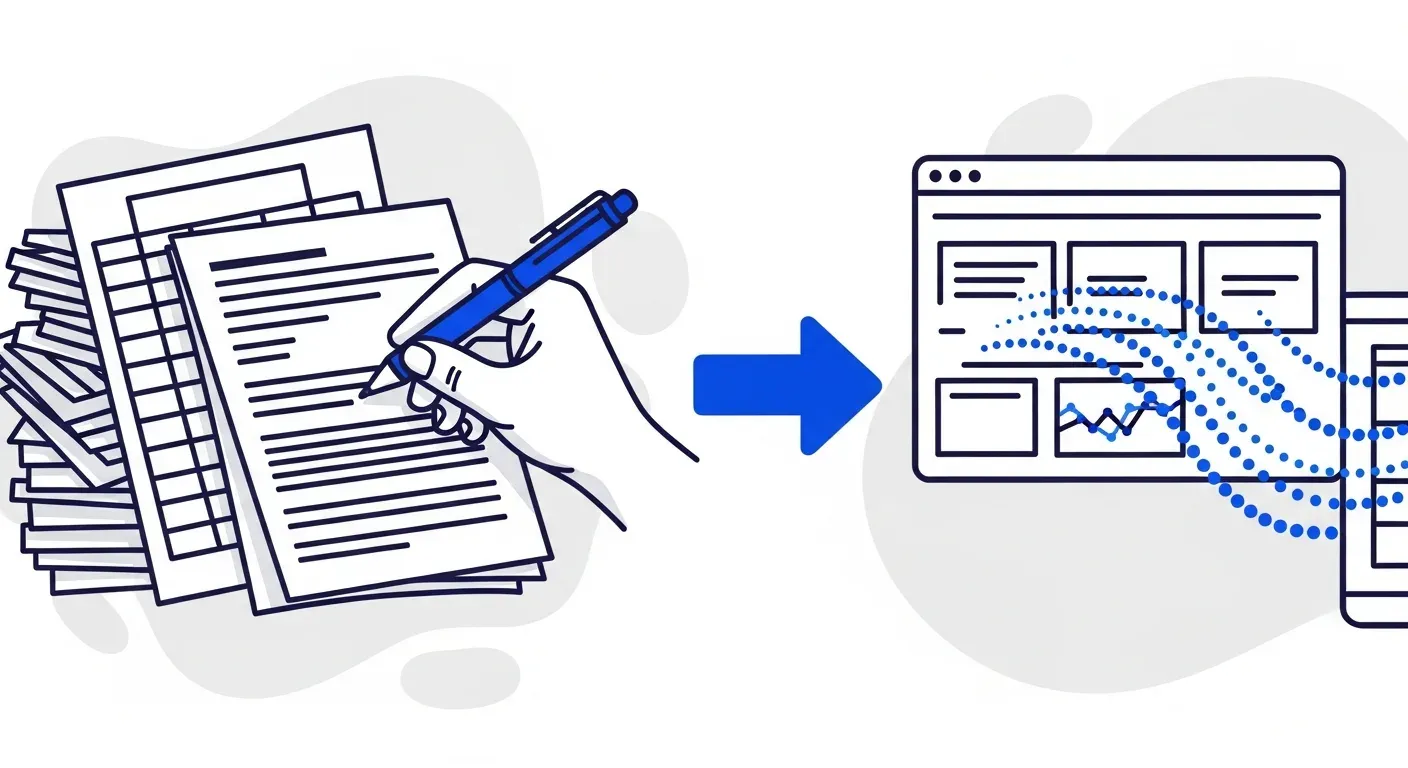
Your AP clerk spends the first two hours of every morning doing the same thing: opening invoices from email attachments, reading each field, and typing the data into your accounting system. Invoice number. Date. Vendor name. Line items. Quantities. Unit prices. Tax. Total. Payment terms. For each invoice, it takes three to five minutes of focused attention. Multiply that by 40 or 50 invoices a day, and you have a full-time job that consists entirely of moving information from one format to another.
The data already exists on the invoice. It just needs to get into your system. The question B2B finance teams keep asking is whether AI can handle that transfer reliably enough to replace the manual process.
The short answer is yes. The longer answer involves understanding what AI extraction actually does, where it excels, where it still needs human oversight, and how it connects to the rest of your accounts receivable workflow.
How AI invoice extraction works
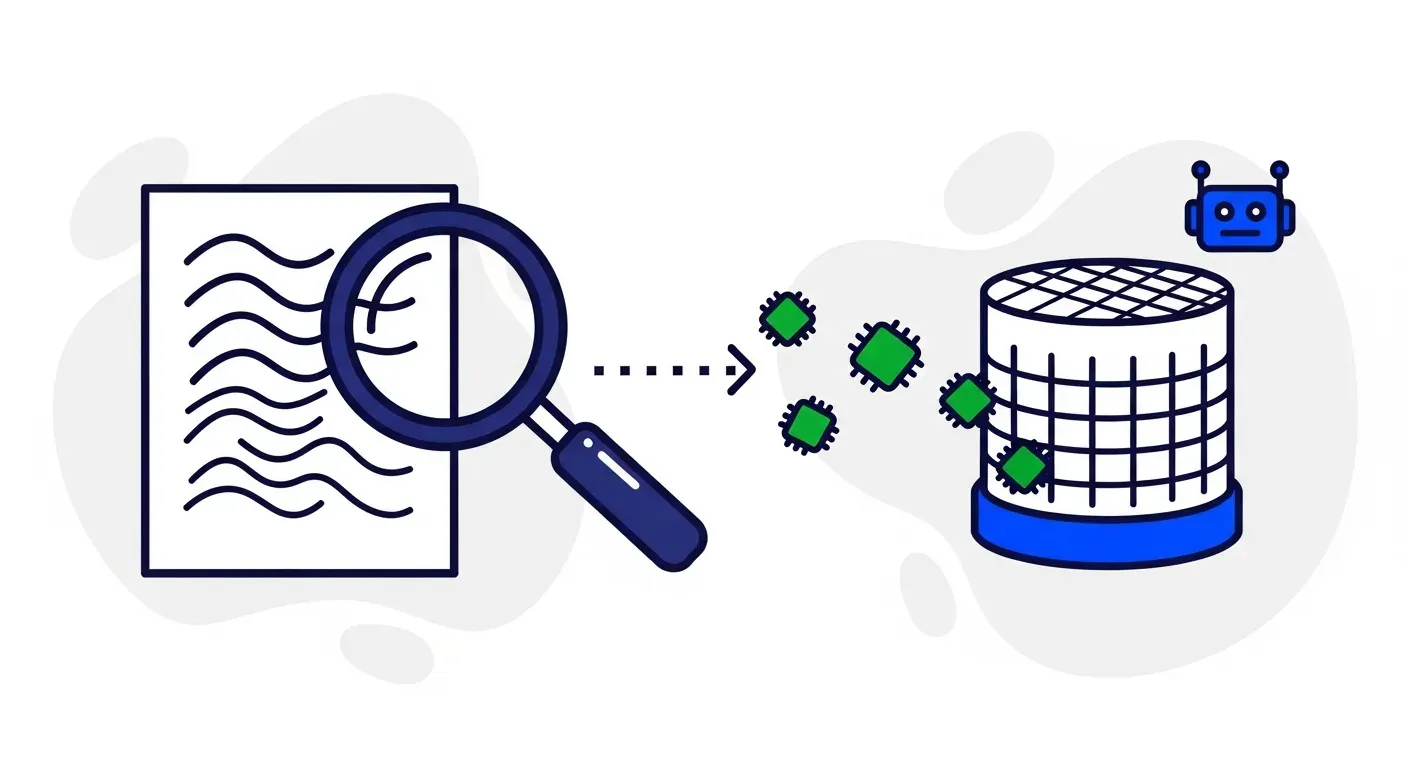
AI-powered invoice extraction combines several technologies into a single pipeline that takes a document in and produces structured data out. Understanding each stage helps set realistic expectations about what the technology can and cannot do.
Optical character recognition (OCR)
The first step is reading the text on the document. OCR converts images, scanned PDFs, and photographed invoices into machine-readable text. This technology has been around for decades, but modern OCR is significantly more accurate than earlier versions. It handles varying fonts, sizes, orientations, and even moderate image quality issues like skew, blur, or low resolution.
For digitally generated PDFs (the kind most B2B invoices arrive as), OCR is often unnecessary because the text is already embedded in the file. The extraction system reads the text layer directly, which is faster and more accurate than processing an image.
Document classification
Before extracting data, the system needs to confirm that the document is actually an invoice and not a purchase order, delivery receipt, statement, or marketing email. AI classifiers analyze the document's structure and content to categorize it correctly. This step prevents non-invoice documents from entering your processing pipeline and creating garbage data.
Field identification and extraction
This is where AI adds the most value over basic OCR. Instead of just reading all the text on a page, the system identifies which text corresponds to which field. It locates the invoice number, invoice date, due date, vendor name and address, customer name and address, line item descriptions, quantities, unit prices, line totals, subtotal, tax amounts, and grand total.
The AI learns to do this by analyzing thousands of invoice layouts. It recognizes that the number next to "Invoice #" or "Inv No." or "Bill Number" is the invoice identifier, even though different vendors label it differently. It understands that amounts in the rightmost column of a table are typically line totals. It can parse multi-page invoices where line items span across page breaks.
Validation and confidence scoring
After extracting each field, the system assigns a confidence score. A field extracted with 99% confidence (clear text, unambiguous position, consistent with the document structure) passes through automatically. A field extracted with 75% confidence (blurry text, unusual layout, or multiple possible interpretations) gets flagged for human review.
This confidence-based routing is critical. It means your team does not review every extracted invoice. They review only the ones where the system is uncertain. For most B2B companies receiving standard commercial invoices, 80% to 95% of documents process without any human intervention.
Data mapping and export
The final step connects the extracted data to your accounting system. Each extracted field maps to the corresponding field in QuickBooks, Xero, NetSuite, Sage, or Odoo. The invoice record is created or updated automatically, with all line items, amounts, and references in the right places.
This end-to-end pipeline transforms a five-minute manual data entry task into a process that takes seconds and requires no human involvement for the majority of documents.
Where AI extraction excels
Not all invoice scenarios are equal. Understanding where the technology performs best helps you estimate the impact for your specific situation.
High-volume, standardized invoices
If you receive large numbers of invoices from the same suppliers, AI extraction delivers the highest accuracy and the largest time savings. After processing a few invoices from a supplier, the system learns that supplier's layout and extracts subsequent invoices with near-perfect accuracy. For manufacturing and wholesale distribution companies that process thousands of invoices monthly from a relatively stable supplier base, this pattern recognition produces the fastest ROI.
Digital PDF invoices
Invoices generated from accounting or ERP systems and delivered as PDF attachments are the easiest to extract accurately. The text is clean, the layout is consistent, and the data fields are clearly structured. Most B2B invoices fall into this category, which is why overall extraction accuracy for business-to-business transactions tends to be higher than for consumer or mixed-format scenarios.
Invoices with standard fields
Invoices that include the standard commercial fields (invoice number, date, vendor, line items, amounts, tax, total, payment terms) extract with the highest accuracy because AI models have been trained on millions of documents with these fields. Non-standard fields (project codes, custom reference numbers, notes, or industry-specific identifiers) may require additional configuration but are still extractable once the system has seen enough examples.
Where human review still matters
AI extraction is not perfect, and pretending otherwise sets wrong expectations. There are specific scenarios where human oversight remains important.
First invoices from new suppliers
When the system encounters an invoice layout it has never seen before, accuracy drops. The extraction still works (the AI generalizes from similar layouts it has learned), but confidence scores tend to be lower on the first few documents from a new supplier. Your team should expect to review and correct these initial extractions, which then train the system for future documents from that supplier.
Handwritten or damaged documents
Handwritten notes on invoices, stamps, cross-outs, or physical damage (creases, stains, torn corners) reduce OCR accuracy. If a significant portion of your invoices arrive as handwritten documents or damaged scans, you will need a higher human review rate. This is increasingly rare in B2B transactions but still occurs in certain industries and regions.
Complex multi-page invoices
Invoices with dozens of line items spanning multiple pages, summary sections, and conditional pricing (volume discounts, tiered rates, contract-specific terms) are more challenging. The extraction system handles them, but the number of fields and the complexity of relationships between them increases the chance that at least one field will need correction. For professional services firms with detailed time-and-materials invoices, this is a common scenario.
Invoices with embedded images or non-standard formatting
Some invoices include product images, logos that overlap with text, color-coded sections, or highly custom layouts designed more for visual appeal than data clarity. These design choices can confuse OCR and field identification. The data is still extractable, but accuracy may be lower than for plain, structured documents.
The cost of manual data entry
Understanding what AI extraction replaces requires an honest look at what manual data entry actually costs. The direct labor is obvious, but the indirect costs are often larger.
Direct time costs
Industry benchmarks from APQC show that processing a single invoice manually takes 3 to 5 minutes for straightforward documents and up to 15 minutes for complex ones. At 50 invoices per day, that is 2.5 to 4 hours of a skilled employee's time on pure data entry. At fully loaded labor costs, this represents $25,000 to $50,000 per year for a single data entry position.
Error costs
Manual data entry has a well-documented error rate of 1% to 5% per field. Across thousands of data points per month, this generates dozens of errors that cascade through your AR process. A mistyped invoice number means the payment cannot be matched when it arrives. A wrong amount creates a discrepancy that triggers a dispute. A missed line item means your records do not match the customer's.
Each error requires investigation and correction, often involving multiple people and the customer. The Credit Research Foundation estimates that correcting a single invoice error costs $20 to $50 in labor. At a 2% error rate across 1,000 invoices per month, that is $400 to $1,000 per month in rework alone.
Speed costs
Manual entry creates a bottleneck between when an invoice arrives and when it enters your system. An invoice that sits in an email inbox for two days before being entered is two days behind on payment tracking, follow-up scheduling, and cash flow forecasting. This delay compounds across your entire AR process. Faster entry means faster follow-ups, which means faster payments.
Opportunity costs
Every hour your finance team spends on data entry is an hour they are not spending on collections, credit analysis, customer relationships, or process improvement. For small teams where one person handles both data entry and collections, the tradeoff is direct: time spent typing in invoice data is time not spent chasing overdue payments.
Connecting extraction to your AR workflow
Extracting invoice data is valuable on its own, but the real impact comes when extraction connects to the rest of your accounts receivable process. Isolated extraction (data in, structured data out) saves time on entry. Connected extraction transforms your entire order-to-cash cycle.
From extraction to aging
When extracted invoice data flows directly into your accounting system, every new invoice immediately appears in your AR aging report. There is no gap between the invoice arriving and your team having visibility into it. Due dates are calculated automatically. Aging buckets update in real time. Your team sees the full picture without waiting for someone to finish the data entry backlog.
From extraction to follow-up
An invoice that enters your system automatically also enters your follow-up workflow automatically. When it crosses the due date, the first reminder goes out. If the customer does not respond, the system escalates through additional channels. This happens without anyone having to notice that the invoice is overdue and manually initiate a follow-up.
For companies using multi-channel follow-up across email, SMS, voice, and WhatsApp, automatic entry means automatic activation of the appropriate follow-up sequence. No invoices get lost between entry and action.
From extraction to reconciliation
When payments arrive, the system needs to match them to invoices. Accurate extracted data makes this matching faster and more reliable. The invoice number, amount, customer identifier, and reference data are all correct in the system, so automated payment matching works with high confidence. Fewer manual reconciliation cycles, fewer mismatches, and fewer embarrassing follow-ups on invoices that have already been paid.
From extraction to reporting
Clean, structured invoice data powers accurate financial reporting. When every invoice enters the system with the correct amounts, dates, and categories, your revenue reports, cash flow forecasts, and AR metrics are reliable without manual cleanup. Your CFO gets answers to questions about receivables in seconds instead of waiting for someone to compile a report from inconsistent sources.
What to look for in an AI extraction solution
Not all extraction tools are equal. Here are the capabilities that separate useful solutions from ones that create new problems.
Accounting system integration
The extraction tool must connect directly to your accounting system. If you have to manually import extracted data via CSV or copy-paste from an extraction interface into QuickBooks or NetSuite, you have replaced one manual process with another. Native integrations with Xero, Sage, and Odoo ensure that extracted data reaches your books without an intermediate step.
Confidence-based routing
Look for systems that let you set confidence thresholds. Documents above the threshold process automatically. Documents below it route to a review queue. This gives you control over the tradeoff between speed and accuracy. A higher threshold means more human reviews but fewer errors. A lower threshold means faster processing but requires more trust in the system. The right setting depends on your invoice complexity and error tolerance.
Learning from corrections
When your team corrects an extraction error, the system should learn from that correction. The next invoice from the same supplier with the same layout should extract correctly. This feedback loop is what separates AI extraction from template-based systems. Templates work only for formats you have explicitly configured. AI extraction adapts to new formats and improves with use.
Multi-format support
Your suppliers send invoices in different formats. Some send PDFs, some send email invoices, some use EDI, and some still send paper. Your extraction solution should handle all of these without requiring separate configurations for each. The fewer format restrictions, the more invoices you can automate.
Getting started with AI extraction
The transition from manual entry to AI extraction does not require a big-bang implementation. Most B2B finance teams start with a focused rollout.
Start with your highest-volume suppliers. Identify the 10 to 20 suppliers who generate the most invoices. These are the ones where extraction delivers the most time savings and where the system builds learning data the fastest.
Run in parallel initially. For the first week or two, run AI extraction alongside your manual process. Compare the extracted data against what your team would have entered manually. This builds confidence and identifies any supplier formats that need additional attention.
Set conservative confidence thresholds. Start with a high review threshold (review everything below 95% confidence) and lower it as you verify accuracy. This gives your team control during the transition and prevents errors from reaching your accounting system.
Measure the impact. Track the time your team spends on data entry before and after. Track your error rate. Track invoice processing time (from receipt to system entry). These metrics make the ROI concrete and justify expanding the automation to additional document types or processes.
TDG Inc reduced manual follow-ups by 80% and cut DSO by 15 days within three months by connecting their accounting system to an automated AR platform. Troyes went from fully manual to fully automated in a single day. In both cases, eliminating manual data handling was a foundational step that made downstream automation (follow-ups, reconciliation, reporting) possible and effective.
From data entry to collections intelligence
AI extraction is not the end goal. It is the foundation. When your invoice data enters the system automatically and accurately, everything built on top of that data works better. Your aging reports are current. Your follow-ups are timely. Your reconciliation is accurate. Your team spends their time on work that actually moves the needle on collections instead of retyping data that already exists.
The companies that collect the fastest are not the ones with the largest AR teams. They are the ones that have eliminated every manual step between receiving an invoice and acting on it.
If your finance team is still entering invoice data by hand, book a demo with Yonovo to see how automated extraction, real-time accounting integrations, and AI-powered follow-ups turn your invoices into action from the moment they arrive.
Frequently Asked Questions
How accurate is AI invoice data extraction?
Modern AI extraction systems achieve 90% to 98% accuracy on structured invoices and 85% to 95% on unstructured or handwritten documents. Accuracy improves over time as the system processes more invoices from the same suppliers and learns their layouts. Fields like invoice numbers, dates, and totals tend to extract at the highest rates because they follow predictable patterns. Line item details and non-standard fields may require more training data to reach peak accuracy.
What types of invoices can AI extract data from?
AI extraction handles PDF invoices (both digital and scanned), email-embedded invoices, photographed paper invoices, spreadsheet-based invoices, and EDI documents. The technology works across languages and currencies, though accuracy is highest on clean, digitally generated documents. Handwritten invoices and heavily formatted or image-heavy documents are the most challenging but still extractable at usable accuracy rates with modern models.
How is AI extraction different from basic OCR?
Basic OCR converts images to text but does not understand what the text means. It reads every character on the page and outputs a flat text block. AI extraction adds a semantic layer that identifies which text is an invoice number, which is a date, which is a line item description, and which is a total. It understands document structure, handles tables and multi-page invoices, and maps fields to the correct categories in your accounting system. OCR is a component of the process, but the intelligence that makes extraction useful comes from the AI layer on top.
Does AI invoice extraction work with my accounting system?
Yes. AR automation platforms that offer extraction capabilities integrate with major accounting systems including QuickBooks, Xero, NetSuite, Sage, and Odoo. Extracted data maps to the fields your accounting system expects and syncs automatically. This means invoice data flows from document to accounting record without manual re-entry, copy-paste, or CSV imports.
How long does it take to set up AI invoice extraction?
Most businesses are processing invoices through AI extraction within one to two days of connecting their systems. The setup involves connecting your accounting software, configuring which fields to extract, and running a small batch of test invoices to verify accuracy. There is no lengthy training period for standard invoice formats. Custom or unusual layouts may take an additional one to two weeks of supervised learning to reach optimal accuracy.