
Changelog

Follow us and stay up to date with everything Yonovo!
Dashboard showing automated payment reminder workflows with personalized message templates
Alex PopaMar 15, 2026

Smart Payment Reminders Are Here

Yonovo now sends payment reminders that adapt to each customer's behavior. Instead of blasting the same email to every overdue account, the system analyzes payment history, preferred communication channels, and past response patterns to craft the right message at the right time.

Customers who typically pay within a few days of a gentle nudge get a softer tone. Customers with a pattern of delayed payments receive more structured follow-up sequences with escalation steps built in.

You can customize the templates and timing for each tier, or let Yonovo's defaults handle it. Either way, every reminder is tracked so you have full visibility into what was sent and when.

Early testers saw a 23% improvement in on-time payments within the first 30 days.
Interface showing invoices in multiple currencies with exchange rate indicators
Salman ShawafMar 1, 2026

Multi-Currency Support

Yonovo now supports invoices and collections in multiple currencies. Whether your customers pay in USD, CAD, EUR, GBP, or AUD, you can track everything in one place without switching between tools or doing manual conversions.

When you connect your accounting software, Yonovo automatically detects the currency on each invoice. The dashboard displays amounts in their original currency, and you can view consolidated totals in your base currency at any time. Exchange rates are updated daily.

If you already have multi-currency invoices in QuickBooks or Xero, Yonovo picks them up automatically on your next sync. No configuration needed.

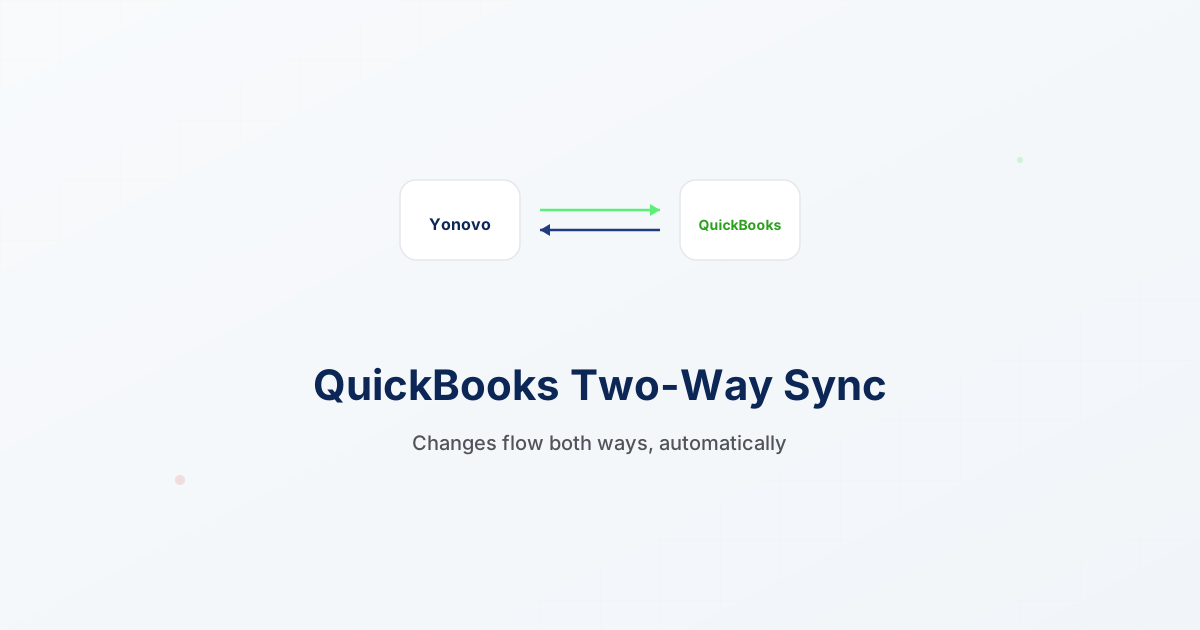
Diagram showing data flowing between Yonovo and QuickBooks in both directions
Alex PopaFeb 15, 2026

QuickBooks Two-Way Sync

Previously, Yonovo pulled invoice data from QuickBooks but updates only flowed one way. Now, when a payment is recorded or an invoice status changes in Yonovo, that update syncs back to QuickBooks automatically.

What syncs back:

  • Payment records and partial payments
  • Invoice status changes (paid, partially paid, written off)
  • Customer communication notes
  • Payment promise dates

The two-way sync runs every 15 minutes by default. You can also trigger a manual sync from the settings page. A sync log shows you exactly what changed and when.

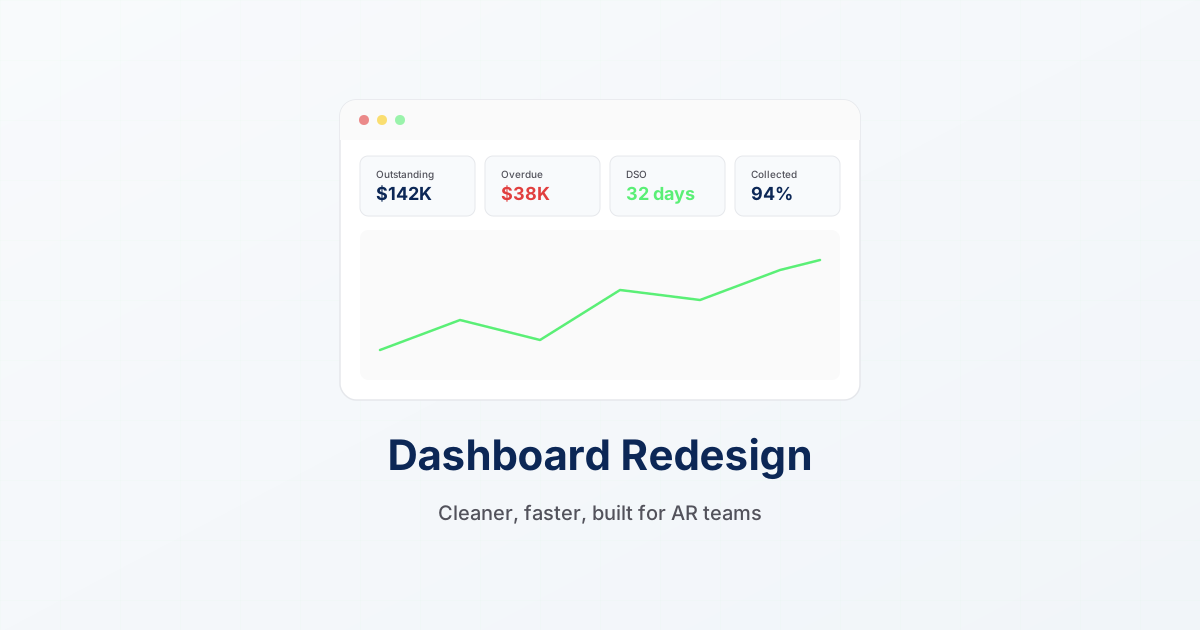
New Yonovo dashboard design showing key AR metrics and collection status overview
Salman ShawafFeb 1, 2026

Dashboard Redesign

We rebuilt the Yonovo dashboard from the ground up. The new design focuses on the metrics that matter most to AR teams: total outstanding, overdue amounts, DSO trends, and collection activity.

Real-time metrics cards at the top show your current AR snapshot. Improved aging buckets give you a visual breakdown of receivables by age. Click any bucket to drill down into the specific invoices.

The activity feed on the right shows recent collection actions, payment receipts, and customer responses in a single timeline. No more switching between tabs.

The new dashboard loads 40% faster, with data streaming in progressively so you see key metrics first.

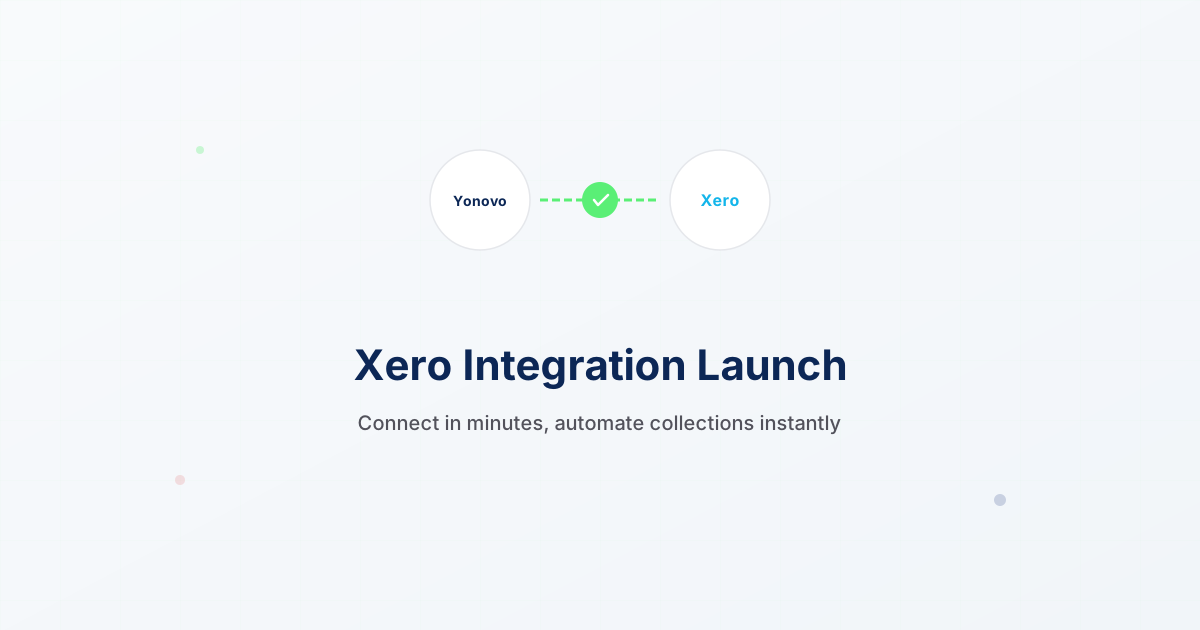
Xero logo connected to Yonovo interface showing synced invoices
Alex PopaJan 15, 2026

Xero Integration Launch

Xero users can now connect their accounts to Yonovo and start automating collections immediately. The integration pulls in all your invoices, contacts, and payment history so you can set up automated reminders in minutes.

How to connect:

  1. Go to Settings and click Integrations
  2. Select Xero and authorize access
  3. Choose which organization to sync (if you have multiple)
  4. Yonovo imports your data automatically

The initial sync typically takes 2 to 5 minutes depending on how many invoices you have. Two-way sync for Xero is in development and will launch in the coming weeks.