


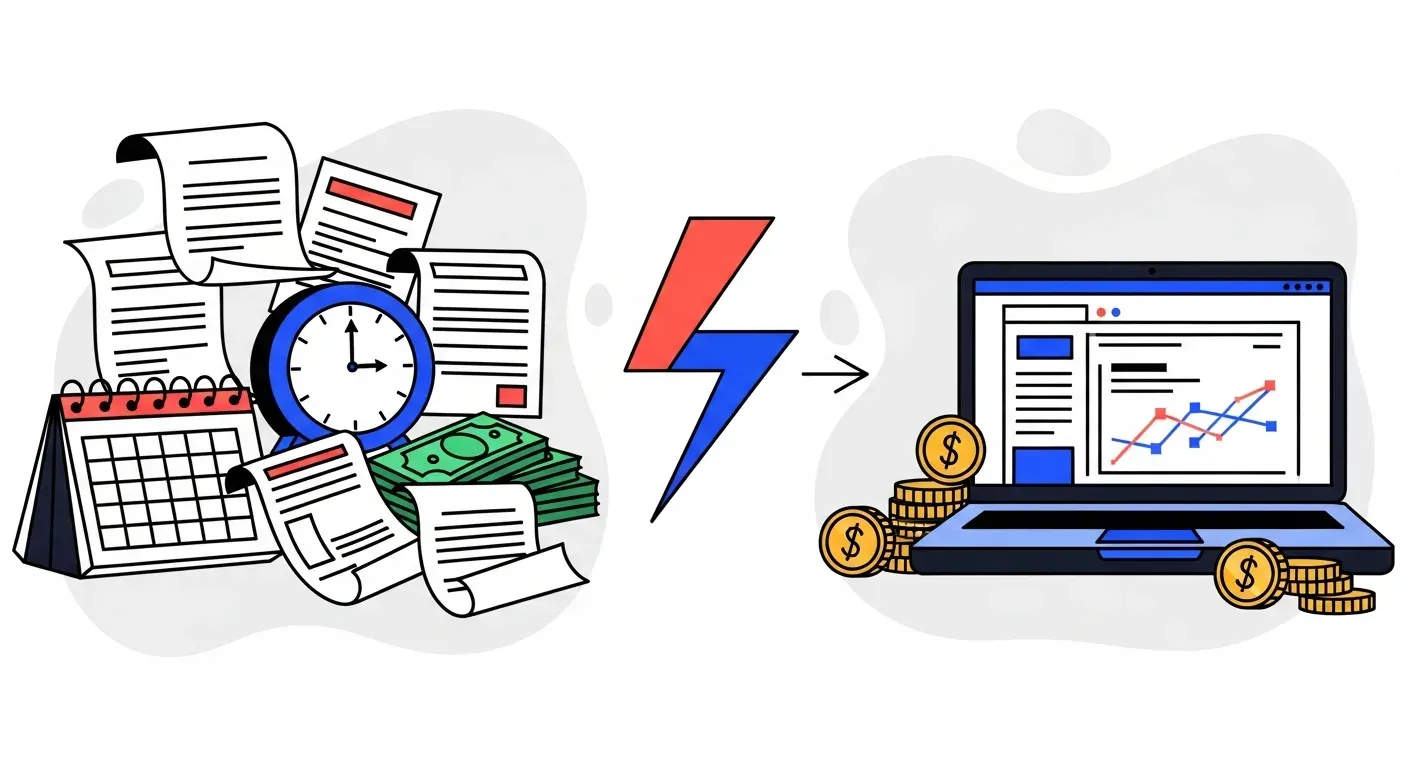
Manual AR processes cost more than most finance teams realize. Between the labor hours, the inconsistent follow-ups, the missed invoices, and the cash sitting in aging buckets, the hidden cost of doing it by hand often exceeds $5,000-$15,000 per month for mid-market companies. AR automation eliminates most of that cost within the first month.
Every finance team that still tracks collections in spreadsheets or sends reminder emails one at a time knows the drill. It works until it does not. Invoices slip through the cracks. Follow-ups happen late or not at all. The person who "owns" collections goes on vacation and everything stops. DSO creeps up and nobody notices until cash flow is tight.
The question is not whether manual collections have problems. Every finance leader knows they do. The question is whether the cost of switching to automation is worth it compared to the cost of keeping the status quo.
This article lays out the comparison directly. No theory. Just what each approach actually costs in time, money, risk, and customer relationships.
What manual AR actually looks like
Manual AR is not one task. It is a collection of repetitive steps that someone on your team performs every day:
- Checking aging reports to identify which invoices are overdue
- Writing and sending reminder emails one customer at a time
- Tracking who was contacted, when, and what they said
- Matching incoming payments to the correct invoices
- Escalating overdue accounts to management or legal when reminders fail
- Updating records in your accounting system after each interaction
- Generating reports on DSO, collection effectiveness, and aging buckets
Each individual step takes minutes. But multiplied across dozens or hundreds of invoices, the hours add up fast.
What automated AR looks like
AR automation platforms connect to your accounting system and handle the repetitive steps without human involvement:
- Invoice sync happens automatically. The platform pulls your invoices, customers, and payment status in real time.
- Reminder sequences run on schedule. Day 1, day 7, day 14, day 30. Each with the right tone and channel.
- Multi-channel outreach means reminders go via email, SMS, voice, and WhatsApp, not just email.
- Payment matching happens when money arrives. No manual reconciliation.
- Escalation rules trigger automatically when invoices age past your thresholds.
- Dashboards show DSO trends, aging buckets, and collection performance without anyone building a report.
Your team sets the rules once. The system executes them every day, on every invoice, without missing one.
The cost comparison
Time cost
| Task | Manual | Automated |
|---|---|---|
| Sending reminders | 5-10 hrs/week | 0 hrs (automated) |
| Tracking follow-ups | 3-5 hrs/week | 0 hrs (dashboard) |
| Payment matching | 2-4 hrs/week | 0 hrs (automated) |
| Aging reports | 1-2 hrs/week | 0 hrs (real-time) |
| Escalation decisions | 1-2 hrs/week | 0 hrs (rule-based) |
| Total | 12-23 hrs/week | ~1 hr/week (oversight) |
At a fully-loaded cost of $40-60/hour for a finance team member, that is $25,000-$70,000 per year in labor spent on tasks a machine handles better.
Cash flow cost
Manual follow-ups are inconsistent. Some invoices get chased aggressively. Others get forgotten for weeks. That inconsistency directly extends your DSO.
A typical manual AR process results in DSO of 45-65 days. Automated AR typically brings that down to 30-45 days. On $500K monthly revenue, each day of DSO reduction frees up approximately $16,700 in working capital.
A 15-day DSO reduction = $250,000 in freed working capital.
Error cost
Manual processes introduce errors at every step:
- Reminders sent to the wrong contact
- Invoices marked as paid that are not
- Follow-ups sent for invoices that were already paid
- Aging reports that are out of date by the time they are reviewed
- Disputes that are not tracked and fall through the cracks
Each error costs time to fix, damages customer trust, and delays payment. Automation eliminates most of these by syncing data in real time and checking your accounting system before every action.
Customer relationship cost
This is the one that gets overlooked. Manual collections are either too aggressive (the same person sends a firm email to every account regardless of history) or too passive (nobody follows up because they are busy with other tasks).
Automated systems apply consistent, configurable escalation logic. A first-time late payer gets a friendly nudge. A repeat late payer gets a firmer sequence. A VIP account gets handled differently from a new customer. The system applies these rules without emotion, without forgetting, and without burning relationships.
When manual AR still makes sense
Not every business needs automation. Manual collections work fine if:
- You have fewer than 20 active invoices per month
- Most invoices are paid within terms with no follow-up needed
- You have a dedicated person who enjoys the work and is consistent
- Your DSO is already at or below your target
If any of those conditions are not true, you are leaving money on the table.
When to switch
The decision to automate is usually obvious when you look at the numbers:
- Your team spends more than 5 hours per week on follow-ups. That time has a direct cost and an opportunity cost.
- Your DSO is above your payment terms. If terms are net 30 and DSO is 50, you have a collection problem.
- Invoices are falling through the cracks. If you regularly discover invoices that were never followed up on, your process is broken.
- You are hiring to handle growing AR volume. Automation scales without headcount.
- Customer relationships are being damaged by inconsistent follow-ups. Automation applies the same rules to every account, every time.
What switching actually involves
The biggest misconception about AR automation is that it requires a large implementation project. For enterprise ERP platforms like SAP or Oracle, that can be true. But for most accounting systems, the switch is fast.
With Yonovo, the process is:
- Connect your accounting system. QuickBooks Online, Xero, NetSuite, Odoo, Sage, and others. OAuth-based, no IT required.
- Configure your workflow. Set your reminder schedule, tone preferences, escalation rules, and channel preferences.
- Go live. Yonovo starts working on your overdue invoices immediately.
Most teams are live within one day. TDG Inc. reduced manual follow-ups by 80% and cut DSO by 15 days. Troyes went from fully manual to fully automated in a single day, saving 25+ hours per month.
The bottom line
| Manual collections | Automated AR | |
|---|---|---|
| Setup | None (already in place) | One day |
| Ongoing time | 12-23 hrs/week | ~1 hr/week |
| Annual labor cost | $25K-$70K | Software fee |
| DSO | 45-65 days typical | 30-45 days typical |
| Follow-up consistency | Varies by person | 100% consistent |
| Multi-channel | Email only (usually) | Email, SMS, voice, WhatsApp |
| Error rate | High (manual entry) | Near zero (synced) |
| Scales with volume | No (needs more people) | Yes (same cost) |
The math is straightforward. If your team spends meaningful time on manual AR tasks and your DSO is above your target, automation pays for itself in the first month.
If you want to see what it looks like connected to your real data, book a demo.
Frequently Asked Questions
How much time does manual AR actually take?
Most finance teams spend 10-20 hours per week on manual follow-ups, payment matching, and aging tracking. For a team handling 200+ active invoices, that number can reach 30+ hours. This is time spent on repetitive tasks that automation handles in the background.
What is the ROI of switching from manual to automated AR?
The ROI calculation is straightforward. Take your monthly revenue, multiply by each day of DSO reduction, and compare that to the software cost. A 10-day DSO reduction on $500K monthly revenue frees up roughly $167K in working capital. Add the labor savings from eliminating 15+ hours per week of manual work, and most tools pay for themselves many times over in the first month.
Can I automate AR without changing my accounting system?
Yes. AR automation platforms like Yonovo connect to your existing accounting system (QuickBooks Online, Xero, NetSuite, Odoo, Sage, and others) and work alongside it. You do not need to migrate, replace, or reconfigure your accounting software.
What happens to customer relationships when you automate collections?
They typically improve. Manual processes are inconsistent. Some customers get followed up aggressively, others get forgotten. Automated systems send the right message at the right time with the right tone, every time. You can configure escalation rules that protect important relationships while still collecting what you are owed.
Is AR automation only for large companies?
No. Small and mid-market companies often see the fastest ROI because they have fewer people absorbing the manual work. If one person on your team spends 5+ hours per week chasing payments, automation pays for itself immediately.