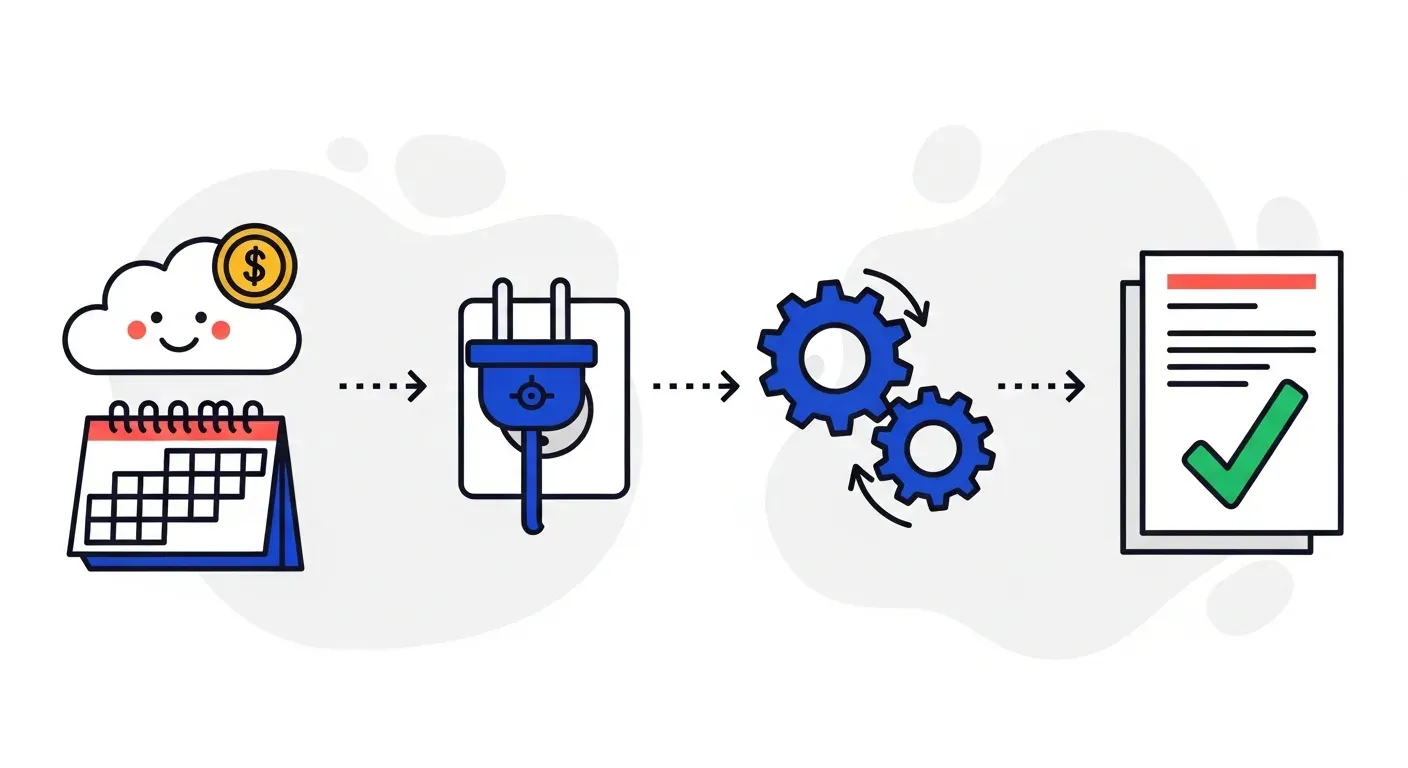


Xero handles invoicing and can send invoice reminders, but it tops out at email-only nudges and leaves the real chasing to you. To automate collections in Xero, connect a tool that reads your invoices and aging, runs multi-channel follow-ups, and syncs status back. This guide covers what to automate and how to get live in a day.
Xero made invoicing simple for millions of small and mid-sized businesses. It even sends automated invoice reminders. So why do so many Xero users still spend hours chasing payments? Because reminders are not the same as collections. Xero's built-in nudges are email-only and stop where the hard part begins: escalating across channels, prioritizing the right accounts, and handling the back-and-forth that actually gets invoices paid.
This guide covers what Xero automates on its own, what to automate beyond that, and how to set up real collections automation without leaving the Xero ecosystem.
What Xero does natively
Xero is strong on the fundamentals:
- Fast, clean invoicing and online payment options
- Automated invoice reminders by email, configurable before and after the due date
- Contact records and aging reports
- A large app marketplace for extending functionality
The automated reminders are genuinely useful for gentle, on-time nudges. But they are a single channel, they do not adapt to customer behavior, and they do not escalate. Once an invoice is meaningfully overdue, you are back to manual chasing.
What to automate beyond Xero's reminders
- Multi-channel follow-ups. Email response rates decline as invoices age. Adding SMS, voice, and WhatsApp reaches customers who ignore email. See multi-channel payment chasing.
- Behavior-based cadences. Instead of the same reminder for everyone, sequence outreach based on how each customer pays.
- Prioritization. Surface the accounts most likely to go late so your team focuses there.
- Dispute handling and escalation. Pause automation on disputed invoices and route them to a human with context.
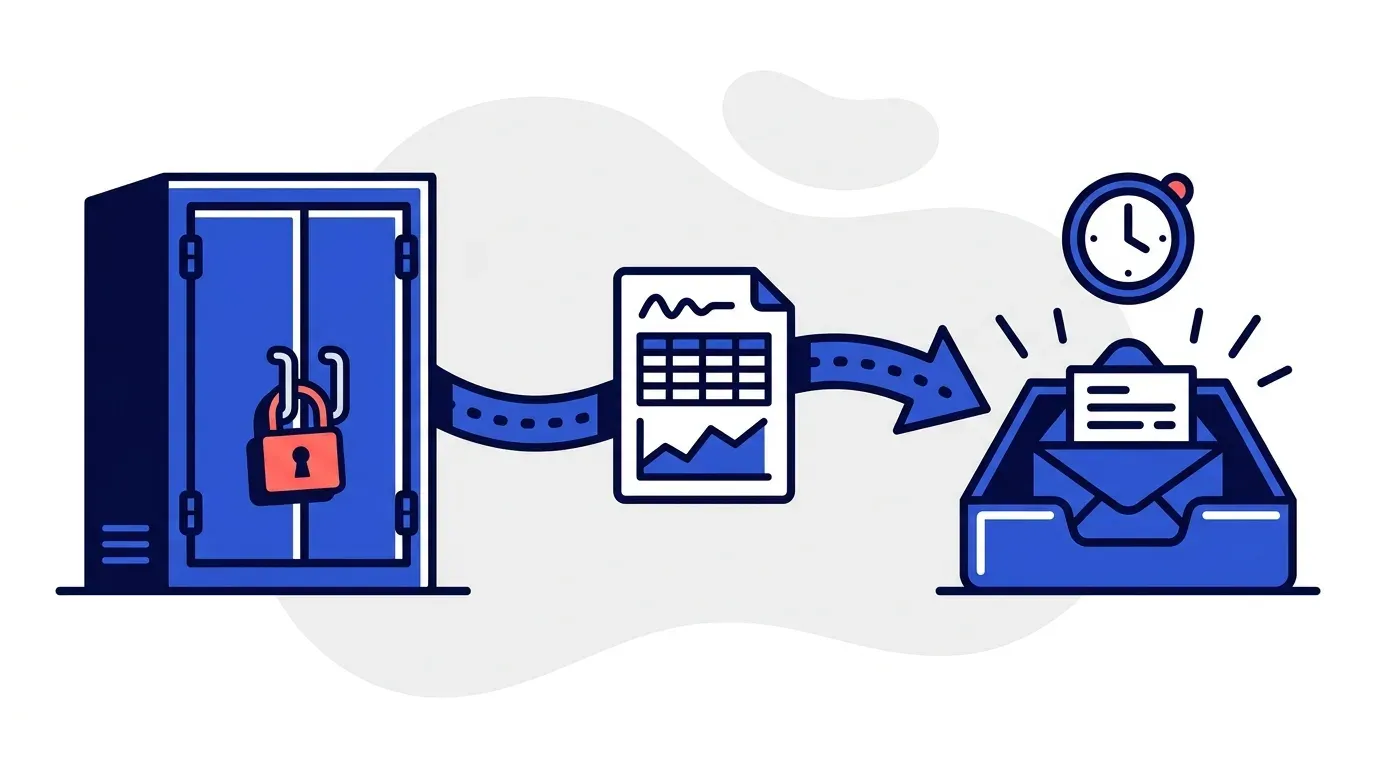
- Status sync. Keep Xero current by writing payment status back automatically.
How to set it up with Yonovo
Yonovo connects to Xero and runs collections for you:
- Connect Xero. Authorize access; Yonovo imports invoices, contacts, and aging data.
- Configure or auto-generate workflows. Set your own cadence or let Yonovo recommend one you approve.
- Pick channels. Email, SMS, voice, and WhatsApp, all sent under your brand.
- Go live in a day. Overdue invoices get chased automatically and status flows back to Xero.
How Yonovo compares to other Xero options
Xero users have a few good choices. Chaser has deep roots in the Xero ecosystem and suits UK teams that want cash flow forecasting or an outsourced AR specialist. Yonovo is built for US-based SMB and mid-market teams that want multi-channel collections with every channel included. For the full picture, see Yonovo vs Chaser and the best AR automation software comparison.
Measure the result
Track DSO before and after. Consistent, multi-channel follow-ups usually bring it down by collecting faster. Estimate the cash a lower DSO frees up with our DSO calculator.
Next steps
If you invoice in Xero and still chase payments by hand, automation is the highest-leverage change you can make. See the Yonovo Xero integration or book a demo to watch it run on your invoices.
Frequently Asked Questions
Does Xero have automatic invoice reminders?
Yes. Xero can send automated invoice reminders by email before and after the due date. That is useful, but it is email-only and does not escalate to SMS or voice, score customer risk, or handle disputes. For teams that need consistent multi-channel collections, a dedicated AR tool layered on Xero goes further.
How do I automate collections in Xero?
Connect a collections-automation platform to Xero so it imports your invoices, contacts, and aging. Set your follow-up cadence, choose channels such as email, SMS, voice, and WhatsApp, and let it chase overdue invoices automatically. Payment status syncs back to Xero so both systems stay aligned.
What is the best AR automation tool for Xero users?
It depends on your needs. Yonovo connects to Xero in under a day, runs multi-channel follow-ups, and includes every channel in the price. Chaser is also popular in the Xero ecosystem, especially for UK teams. Compare options in our best AR automation software guide.
Will AR automation change my Xero invoices?
No. A good integration reads your invoices and aging from Xero to drive collections and writes payment status back. Your invoices, contacts, and ledger remain your source of truth in Xero.