


AR automation uses software to handle repetitive accounts receivable tasks like sending payment reminders, matching incoming payments to invoices, tracking aging, and escalating overdue accounts. It reduces DSO, frees up finance team hours, and eliminates the errors and inconsistency of manual processes. Most teams see ROI within 30 days.
Most finance teams know how to send invoices. The harder part is everything that comes after. Following up on unpaid invoices, tracking who owes what, matching payments, and escalating overdue accounts. That is where AR automation comes in, and where most teams lose the most time.
What is accounts receivable automation?
Accounts receivable (AR) automation is software that takes over the repetitive, manual tasks involved in collecting payments from customers. It does not replace your invoicing or billing system. Instead, it picks up where those systems stop.
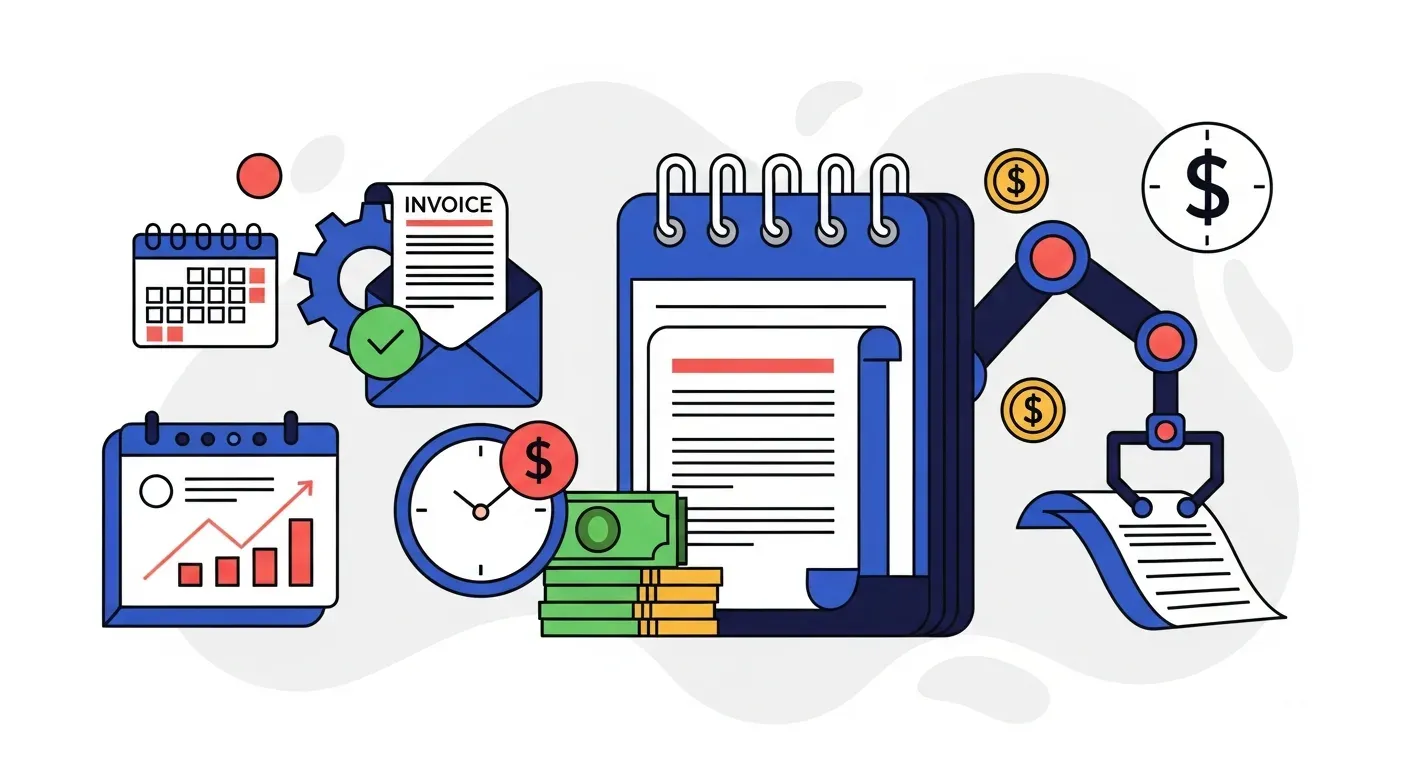
The core loop works like this: AR automation connects to your accounting system, pulls in invoice and customer data, and runs collection workflows based on rules you define. It sends payment reminders automatically, tracks invoice aging in real time, matches incoming payments to open invoices, and escalates accounts that remain overdue.
Think of it as the difference between creating an invoice and actually getting paid. Your accounting software handles the first part. AR automation handles the second. To see how the leading platforms in this category compare, read our accounts receivable automation software guide.
Without it, your finance team is manually checking spreadsheets, writing follow-up emails, and hoping nothing slips through the cracks. With it, every invoice gets the right follow-up at the right time, with no manual effort required.
How AR automation works
The process follows a clear sequence from setup to ongoing collection:
-
Connect to your accounting system. AR automation platforms integrate directly with tools like QuickBooks, Xero, NetSuite, Sage Intacct, and others. This connection is typically set up in minutes.
-
Sync invoice and customer data automatically. Once connected, the platform pulls in your open invoices, customer contact details, payment terms, and history. This sync runs continuously so your data stays current.
-
Trigger reminder workflows based on your rules. You define when reminders go out. For example, 7 days before due date, on the due date, 3 days overdue, 7 days overdue, and so on. Each step can have a different message and tone.
-
Send reminders via email, SMS, and phone. Multi-channel outreach increases the chances of reaching the right person. Some customers respond to email. Others need a text or a call. The best platforms support all three.
-
Match incoming payments to invoices. When a payment arrives, the system identifies which invoice it covers and updates your records. This eliminates the manual reconciliation process that eats hours every week.
-
Update aging reports and dashboards in real time. Instead of pulling aging reports manually, you get a live view of your receivables. You can see which invoices are current, approaching due date, or overdue at any moment.
-
Escalate accounts that remain unpaid. If a customer does not respond after multiple attempts, the system can flag the account for review, change the outreach strategy, or notify your team to take a different approach.
What tasks does AR automation replace?
If your finance team handles collections manually, these are the tasks that automation takes off their plate:
- Sending payment reminders. No more writing individual emails or checking who needs a follow-up today. The system handles it on schedule.
- Tracking overdue invoices in spreadsheets. Spreadsheet-based tracking is slow, error-prone, and impossible to keep current across a team. Automation replaces it with real-time dashboards.
- Matching payments to invoices. Manual reconciliation is one of the most time-consuming AR tasks. Automation matches payments as they arrive.
- Generating and reviewing aging reports. Instead of pulling reports weekly, you get a live view that updates continuously.
- Escalating to collections. The system automatically increases urgency for overdue accounts based on rules you set, so nothing sits idle.
- Writing daily follow-up summaries. Activity logs and reporting are generated automatically, giving your team visibility without extra work.
For a deeper look at what these manual processes actually cost, see our breakdown of the hidden costs of manual AR.
Who needs AR automation?
AR automation is not just for large enterprises. It fits a range of business profiles:
- Growing SMBs with 50+ invoices per month. At this volume, manual follow-ups start taking meaningful time. Errors and missed reminders become common.
- Mid-market teams with lean finance staff. If one or two people handle all of AR, automation multiplies their capacity without adding headcount.
- Companies with DSO above payment terms. If your terms are Net 30 but your actual collection time is 45+ days, your process has gaps that automation closes.
- Teams spending 5+ hours per week on manual follow-ups. That is 260+ hours per year, roughly 6.5 full work weeks, spent on tasks software can handle.
- Businesses scaling revenue without scaling collections staff. Hiring for AR is expensive and slow. Automation scales with your invoice volume without adding payroll.
Benefits of AR automation
The impact shows up in concrete numbers:
- Faster collections and reduced DSO. Consistent, timely follow-ups get invoices paid sooner. A 10-day DSO reduction on $500K monthly revenue frees up roughly $167K in working capital. For more on this metric, see our complete guide to reducing DSO.
- Time savings for your team. Troyes saved over 25 hours per month after automating their collection process. That time goes back to strategic work like cash forecasting and customer relationships.
- Fewer errors and missed follow-ups. Manual processes depend on someone remembering to check a spreadsheet. Automation does not forget. TDG Inc reduced manual follow-ups by 80% and cut DSO by 15 days.
- Better customer relationships. Professional, timely reminders are better than frantic last-minute calls. Customers appreciate consistency, and your team avoids awkward conversations.
- Real-time cash flow visibility. Live dashboards replace weekly report pulls. You can see exactly where your receivables stand at any point, making forecasting more accurate.
What to look for in an AR automation platform
Not all AR tools are equal. Here is what separates effective platforms from the rest:
- Integration depth. Look for real-time, two-way sync with your accounting system. One-way or batch syncs create data lag and manual workarounds. The platform should pull invoice data automatically and push payment updates back.
- Multi-channel outreach. Email alone is not enough. The best platforms support email, SMS, and phone outreach so you can reach customers on their preferred channel.
- Time to value. Some tools take weeks to implement. Others, like Yonovo, connect to your accounting system and start running workflows on the same day. Ask how long setup actually takes.
- Human oversight options. Automation should not mean losing control. Look for platforms that let you review actions before they happen, pause workflows for specific customers, and override automated decisions.
- Reporting and analytics. You need visibility into collection performance, aging trends, and team activity. Dashboards should be real-time, not static exports.
- Payment link support. Making it easy for customers to pay directly from a reminder email reduces friction and speeds up collection.
For a detailed comparison of available platforms, see our AR automation software guide.
When to adopt AR automation
You do not need to wait until your AR process is broken. But there are clear signals that the time is right:
- Invoice volume is growing. What worked at 20 invoices per month breaks down at 100. If your volume is climbing, automation prevents problems before they start.
- DSO is trending upward. Rising DSO means your collection process is not keeping pace with your sales. Automation closes the gap.
- Your team is burned out on follow-ups. If the same people are spending their mornings writing reminder emails instead of doing strategic work, automation gives them that time back.
- Invoices are falling through the cracks. Even one missed follow-up can mean thousands in delayed or lost revenue. If it is happening regularly, your manual process has reached its limit.
- You are hiring to handle AR volume. Before adding headcount, consider whether automation can handle the workload increase. It is faster to deploy and costs a fraction of a full-time salary.
A practical threshold: if your team spends more than 5 hours per week on manual collection tasks, AR automation will likely pay for itself immediately.
Getting started
You do not need a months-long implementation to see results. With Yonovo, most teams connect their accounting system and configure their first workflows in a single afternoon. Still wondering can I really automate accounts receivable? The short answer is yes, and the prerequisites are simpler than most teams expect.
Start by connecting to QuickBooks or Xero. Your invoices and customer data sync automatically. From there, set up your reminder schedule, choose your outreach channels, and let the system run.
Yonovo's free Discover plan gives you real-time AR analytics and visibility into your receivables health, so you can see the opportunity before committing to a paid tier. When you are ready to automate outreach, upgrading takes minutes.
The best time to automate your collections process was before your last invoice went overdue. The second best time is today.
Frequently Asked Questions
What does AR automation software do?
AR automation software connects to your accounting system and takes over repetitive collection tasks. It sends payment reminders on a schedule, matches payments to invoices when they arrive, tracks invoice aging in real time, and escalates overdue accounts through multiple channels like email, SMS, and phone. Your finance team sets the rules once, and the software executes them consistently.
How is AR automation different from invoicing software?
Invoicing software creates and sends invoices. AR automation handles everything that happens after the invoice is sent. It follows up on unpaid invoices, escalates overdue accounts, matches payments, and provides real-time visibility into your receivables health. Most accounting systems handle invoicing but leave the collection process manual.
How much does AR automation cost?
Pricing ranges from free tiers for basic analytics to custom enterprise pricing. Mid-market solutions typically cost $200 to $500 per month. The more important number is ROI. A 10-day DSO reduction on $500K monthly revenue frees up roughly $167K in working capital, making most tools pay for themselves within the first month.
What integrations should I look for in AR automation?
Look for real-time, two-way sync with your accounting system. Yonovo integrates with QuickBooks, Xero, Odoo, NetSuite, Sage Intacct, FreshBooks, Salesforce, HubSpot, and SAP. The integration should pull invoice and customer data automatically and update payment status without manual intervention.
When should a business start using AR automation?
Consider AR automation when your team spends more than 5 hours per week on manual follow-ups, your DSO is consistently above your payment terms, invoices are falling through the cracks, or you are hiring to handle growing AR volume. Most businesses reach this point between 50 and 200 active invoices per month.
Can small businesses use AR automation?
Yes. Small businesses often benefit the most because they have fewer people to handle manual tasks. A single person spending 10 hours per week on reminders can redirect that time to higher-value work. Tools like Yonovo connect to QuickBooks or Xero in under a day with no IT team required.