

The average SaaS company runs at 54 days DSO with the same playbooks built for one-time invoices. AR for SaaS is not just collections, it is recurring revenue protection. This guide breaks down what makes SaaS AR structurally different, the 54-day DSO problem, why failed payments are silent churn, and the six capabilities a SaaS AR tool needs to have.
SaaS finance teams chase the same accounts receivable problem with playbooks built for a different industry. The average SaaS company runs at 54 days DSO. Half of B2B invoices in the US are paid late. Eight percent of those late invoices become bad debt. And in a subscription business, every uncollected dollar is not just a missed invoice. It is the early signal of churn.
AR for SaaS is not collections. It is recurring revenue protection. This guide walks through what makes it structurally different, the data behind the 54-day problem, why failed payments are the quietest source of churn in your funnel, and what a SaaS-ready AR stack actually looks like.
Why SaaS AR is structurally different
In a traditional B2B model, AR is roughly linear. Send invoice, wait, follow up if late, collect. One customer might generate 4 to 12 invoices a year and each one is a discrete event.
In SaaS the math inverts. The same customer might generate:
- 12 monthly subscription invoices per year, with auto-pay on card or ACH
- A mid-cycle plan upgrade that triggers proration
- A usage overage at the end of each month for metered features
- An annual renewal that needs procurement sign-off in the customer's AP queue
- A trial-to-paid transition that needs invoicing for the first time
That same customer can produce 20-plus billing events per year, with different payment methods, different approval paths, and different failure modes. A workflow built for "send invoice, follow up at day 30" will miss most of the structural problems. Renewals stall in procurement. Cards expire silently. Trials never convert because no one followed up on the first invoice failure. The customer churns and finance never sees it coming.
The work AR has to do for SaaS is not chasing late payers. It is keeping recurring revenue from leaking out of the bottom of the funnel.
The 54-day SaaS DSO problem
The Kaplan Group's 2024 benchmark puts the average DSO for SaaS businesses at 54.03 days. Pause on that number. For a $10M ARR business, every 10 days of DSO is roughly $275,000 sitting in receivables instead of in the bank. At 54 days, that is $1.5M of working capital tied up in invoices waiting to be paid.
| ARR | DSO impact per 10 days | Cash trapped at 54-day DSO |
|---|---|---|
| $1M ARR | $27,400 | $148,000 |
| $5M ARR | $137,000 | $740,000 |
| $10M ARR | $274,000 | $1,480,000 |
| $25M ARR | $685,000 | $3,700,000 |
The 54-day average hides a bimodal distribution. Self-serve SaaS customers on card auto-pay settle in 1 to 3 days. Enterprise customers on net-30 or net-60 contracts settle in 35 to 75 days. The bigger your enterprise segment, the higher your blended DSO. Pulling DSO down means working the enterprise tail, not the self-serve head.
Atradius data on the broader B2B market provides the second piece of context: 50% of B2B invoices in the US are paid late, and 8% of those eventually become bad debt. Late payments cascade into operational pain: 42% of businesses struggle meeting financial obligations because of late receivables, 40% delay paying their own suppliers, and 27% have payroll interruptions tied to receivables timing.
For SaaS specifically, the cost of late payment is not just working capital. It is renewal risk. A customer who is 60 days late on this invoice is statistically more likely to churn at renewal than one who pays on time. AR data is a leading indicator of revenue retention.
Failed payments are silent churn
This is the part of SaaS AR most finance teams underweight. In a self-serve or product-led SaaS business, the most common reason a customer leaves is not a thoughtful cancellation. It is involuntary churn.
A card expires. An issuer flags a charge as suspicious and declines it. The customer never sees the email about the failed payment because it landed in a billing alias. Three months later the subscription is dunned out and the customer is gone. From a product perspective they did not churn, they faded.
Industry recovery rates suggest a well-designed dunning sequence can recover 30 to 50% of involuntarily churned revenue. The math compounds quickly. If your SaaS business loses 1.5% of MRR per month to involuntary churn and you cut that in half with better recovery, you have added almost a full point of net revenue retention. For a $10M ARR business that is $100,000 of ARR per year preserved with no acquisition cost.
The mechanics matter. A generic "your invoice is overdue" email is the wrong tone for a card expiry. The right outreach assumes good faith, leads with a one-click card update, and only escalates if the customer never responds. This is the work AR automation has to do well for SaaS specifically.
Three AR motions in one company
A typical mid-market SaaS company has three different AR motions running in parallel, often without realizing it.
Self-serve auto-pay customers. Pay monthly by card. Mostly successful. When a card fails, the entire collection cycle is a card-update sequence, not a dunning sequence. Two to four touch points across email and SMS over 14 days. If they do not respond, they are gone.
Mid-market customers. Pay monthly or annually, often on ACH. Mix of auto-pay and manual processing on the customer side. When they are late, it is usually because the invoice got stuck with one approver. Outreach has to find the right person without escalating to the wrong one. Higher value, more relationship sensitivity.
Enterprise customers. Pay annually, often on net-30 to net-60 terms via wire or ACH. The invoice has to land in AP, get matched to a PO, get approved, and get scheduled. When they are late, it is rarely intent. It is process. The collection job is to navigate the customer's AP team, not to threaten the buyer.
Most AR tools built for traditional invoicing cannot run all three motions. They run a single workflow that is either too aggressive for self-serve recovery or too generic for enterprise nuance. SaaS AR has to treat the three differently from the start.
What good SaaS AR looks like: six capabilities
Pulling from the structural differences above, here is what a SaaS-ready AR stack actually needs to do.
1. Recurring billing-aware workflows. The tool has to know the difference between a subscription invoice and a one-time invoice. Failed cards, prorations, usage overages, and renewals each need their own workflow. A generic "30 days overdue" trigger is the wrong primitive.
2. Multi-channel dunning. Email alone recovers a fraction of involuntarily churned customers. Layering in SMS for card-update prompts and AI voice for higher-value accounts is where recovery rates climb. See our guide on multi-channel payment chasing for the full breakdown.
3. Self-service customer portals. Customers should be able to view past invoices, update their payment method, and pay an outstanding balance without talking to your finance team. Self-service reduces inbound support load and accelerates recovery on the segments that respond best to convenience.
4. Deep accounting and billing integration. Real-time sync with QuickBooks, NetSuite, Xero, and your subscription billing system is non-negotiable. Without it you are reconciling spreadsheets and double-paying for invoices that already settled.
5. Aging and renewal-risk dashboards. AR data is leading-indicator data for renewal risk. Your finance team should be able to see which accounts are slipping in payment behavior, flag them for the CS team, and intervene before the renewal conversation goes sideways.
6. AI-personalized messaging. The same dunning sequence that recovers a $99/month self-serve customer is the wrong sequence for a $50,000/year enterprise account. AI-driven personalization adjusts tone, channel, and escalation based on the relationship.
Mapping the six capabilities to your stack
A practical way to evaluate your current AR setup is to walk through each capability and check whether your stack actually delivers it.
| Capability | Stripe/Recurly | Spreadsheet + email | Generic AR tool | SaaS-aware AR |
|---|---|---|---|---|
| Recurring billing-aware workflows | Yes (within billing) | No | Partial | Yes |
| Multi-channel dunning (email, SMS, voice) | Email only | Manual | Email-heavy | Yes |
| Self-service customer portal | Yes | No | Yes | Yes |
| QuickBooks/NetSuite/Xero integration | Partial | Manual | Varies | Yes |
| Renewal-risk aging dashboards | No | No | Some | Yes |
| AI-personalized messaging | No | No | Limited | Yes |
This is the gap most SaaS finance teams find. The billing system handles the first few capabilities well. The AR layer on top is where multi-channel, personalization, and renewal-risk visibility either exist or do not.
Where Yonovo fits
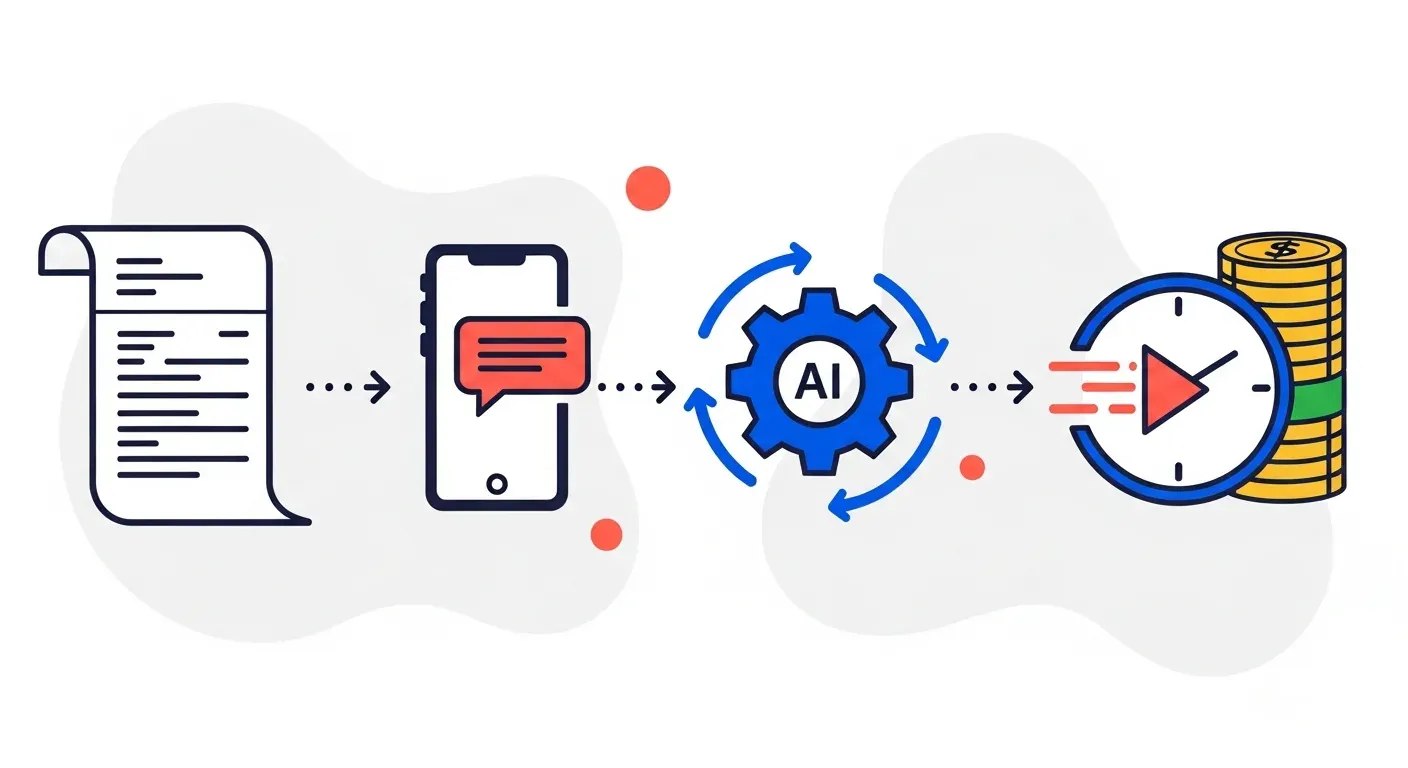
Yonovo is AR automation built for the SaaS motion described above. The product handles failed-payment recovery, enterprise dunning, and self-serve card-update flows in one platform. Multi-channel outreach across email, SMS, and AI voice is included in the plan, not metered per use.
Customer evidence: TDG Inc reduced manual follow-ups by 80% and cut DSO by 15 days within three months. Troyes went from fully manual to fully automated in a single day. For a deeper look at SaaS-specific positioning, see the software and tech industry page.
For SaaS finance teams comparing platforms, the Yonovo vs Chaser and Yonovo vs Upflow comparisons walk through the trade-offs against the two most common alternatives.
How to start
You do not need a six-month implementation to get the first wins.
Audit your three motions. Map your self-serve, mid-market, and enterprise customers into separate buckets. Look at DSO and involuntary churn for each. The numbers will tell you which one is the bigger problem.
Fix dunning first. If your involuntary churn is material, a better card-update sequence will move the needle in the first 30 days. This is the lowest-hanging fruit in SaaS AR.
Then work the enterprise tail. Enterprise net-30 and net-60 invoices are where blended DSO lives. A consistent multi-channel cadence with the customer's AP contact recovers weeks of DSO that email-only follow-ups never touch.
Connect your ledger. AR automation only works as well as the data it sees. Real-time sync to your accounting system is the prerequisite, not an upgrade.
Run it for a quarter and measure. DSO, involuntary churn rate, and AR aging are the three numbers to watch. If they all move in the right direction, the tool is doing its job.
Ready to see Yonovo on your own data? Check pricing or book a demo to see automated collections running on your real invoices.
Frequently Asked Questions
What makes accounts receivable for SaaS companies different from regular AR?
Regular AR is one invoice, one customer, one collection cycle. SaaS AR is recurring. Every customer is on a renewing subscription, often with mid-cycle plan changes, usage overages, prorations, and credit card payments that can fail silently. The same customer can be invoiced 12, 52, or 365 times a year. A failed monthly payment that goes unaddressed is not just a missed invoice, it is silent churn. SaaS finance teams need workflows built for recurring billing, not playbooks built for one-time invoices.
What is a good DSO for a SaaS company?
The average DSO for SaaS businesses is 54.03 days according to The Kaplan Group's 2024 industry benchmark. That is high relative to other software-adjacent industries and reflects the mix of self-serve auto-pay customers (very fast) and enterprise net-30 to net-60 contracts (slow). Best-in-class SaaS finance teams run DSO in the 30 to 40 day range. If your DSO is above 60 days, your enterprise segment is dragging down the average and is the first place to look.
How do SaaS companies reduce involuntary churn from failed payments?
Involuntary churn happens when a customer's card expires, gets declined, or hits a fraud flag, and no one follows up effectively. The fix is automated dunning across multiple channels: a friendly email at day 1, a card update prompt at day 3, an SMS at day 7, and a personalized outreach at day 14. Industry data suggests this kind of recovery flow can recapture 30 to 50% of payments that would otherwise become churn. The key is making the message feel like a service nudge, not a collections threat.
What features should SaaS companies look for in AR automation software?
Six capabilities matter most for SaaS: (1) recurring billing-aware workflows that understand subscriptions and prorations, (2) multi-channel dunning across email, SMS, and voice, (3) self-service customer portals for invoice viewing and payment, (4) deep integration with your accounting and billing stack (QuickBooks, NetSuite, Stripe, Xero), (5) revenue and aging dashboards that surface at-risk renewals, and (6) AI-personalized messaging that adjusts tone based on customer tier and history.
How does AR automation handle subscription dunning?
Modern AR automation tools detect a failed payment from your billing system, hold off the standard collection script, and instead trigger a card-update-focused sequence. Day 1 sends a polite email saying the card was declined and a one-click link to update. Day 3 retries the card and sends an SMS if it fails again. Day 7 escalates to a personalized voice or human outreach for higher-value accounts. The goal is to recover the payment without making the customer feel like a debtor.
Should SaaS companies offer ACH and bank transfer alongside credit card?
For self-serve customers under a few thousand dollars per month, credit card auto-pay is fine. For mid-market and enterprise customers paying $1,000+ per month, ACH and wire transfer are essential. Credit card fees on a $50,000 annual contract are real money, and many CFOs will push back on paying card surcharges. Offer ACH on annual or multi-month plans, and reserve card for the smaller tail.
How does Yonovo integrate with our billing and accounting system?
Yonovo connects to [QuickBooks Online](/solutions/quickbooks), [Xero](/solutions/xero), [Odoo](/solutions/odoo), [NetSuite](/solutions/netsuite), [Sage Intacct](/solutions/sage), FreshBooks, Salesforce, HubSpot, and SAP. Sync is real-time and two-way, with a payment check before every reminder so you never chase an invoice that was paid overnight. For SaaS stacks that run Stripe alongside an accounting ledger, both connections are supported. See the [software and tech industry page](/industries/software-tech) for the full SaaS picture.
How quickly can a SaaS finance team roll out AR automation?
If the tool is built for SMB and mid-market velocity, the answer is the same day. Yonovo customers like [Troyes](/case-studies/troyes) went from fully manual to fully automated in a single day. [TDG Inc](/case-studies/tdg-inc) reduced manual follow-ups by 80% and cut DSO by 15 days within three months. Enterprise-grade rollouts that require finance-IT coordination and process redesign run longer, but the operational gain on automated dunning starts within a quarter.