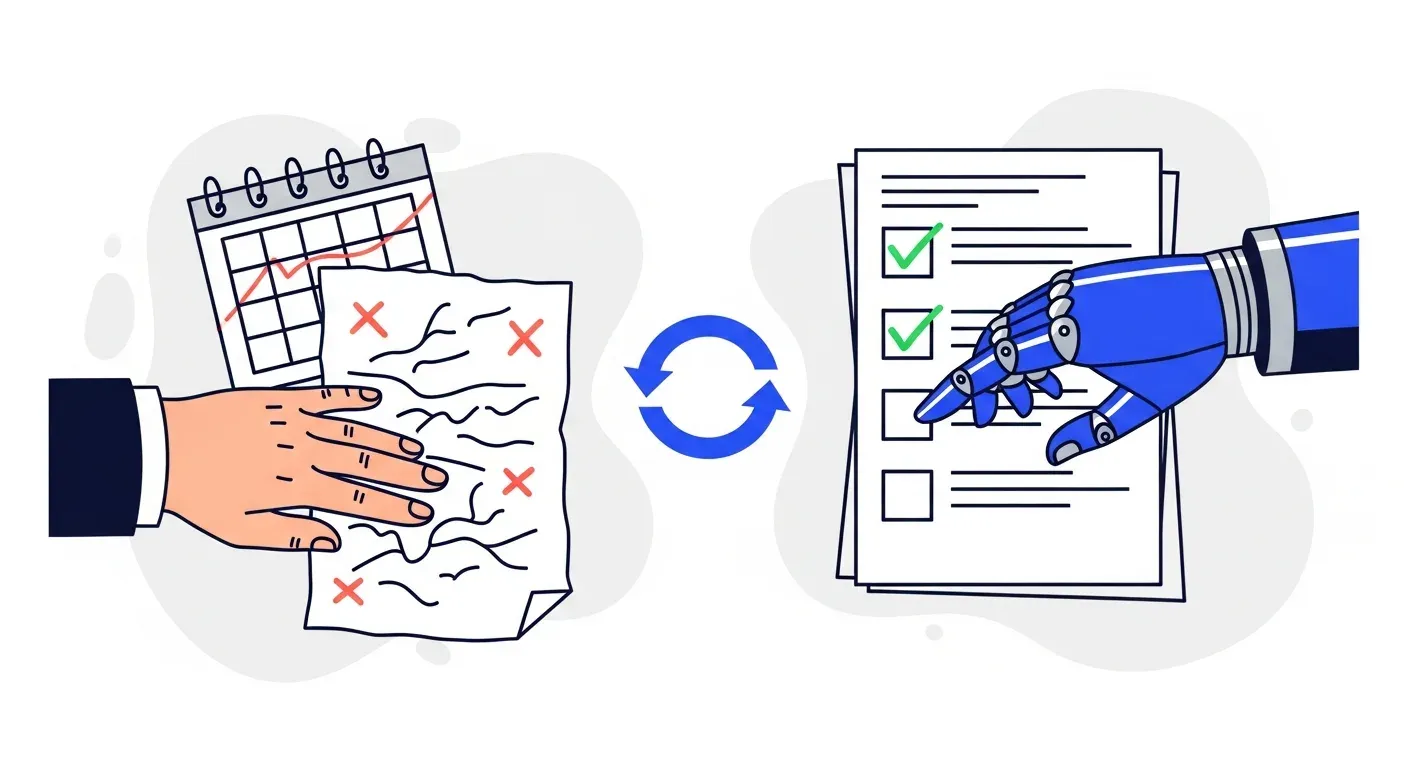



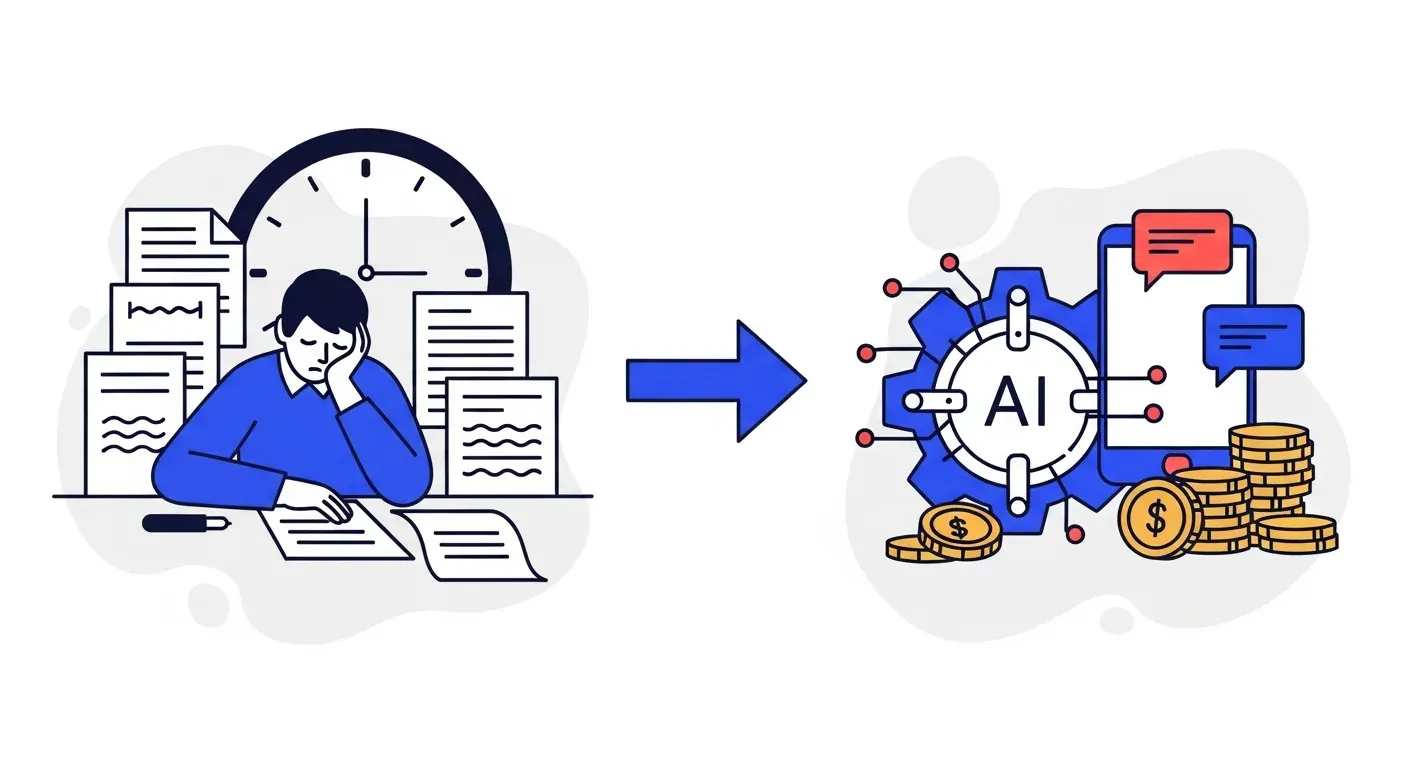
AI saves most B2B finance teams 10 to 20+ hours per week on collections by automating payment reminders, invoice tracking, payment matching, and reporting. TDG Inc, a Yonovo customer, reduced manual follow-ups by 80% within three months. The recovered hours shift your team from data entry and email chasing to dispute resolution, cash flow strategy, and customer relationship management.
A single AR specialist chasing payments manually spends 15 to 25 hours per week on tasks that AI handles in seconds. Multiply that across a team of three or four, and you are looking at 50 to 100 hours per week of human effort devoted to sending emails, updating spreadsheets, reconciling payments, and pulling reports that are already outdated by the time someone reads them.
AI-powered collections automation compresses most of that work to near zero. Not someday. Right now, with tools that connect to the accounting systems B2B finance teams already use.
But "saves time" is vague. Let's break down exactly where the hours go, how many come back, and what your team should do with them.
Where the time actually goes
Before calculating what AI saves, you need an honest picture of where your team's hours disappear each week. Most AR teams underestimate this because the work is spread across dozens of small tasks that individually seem quick but collectively consume the day.
Payment reminders and follow-ups
This is the single largest time sink in manual collections. For every overdue invoice, someone has to check the status, draft an email (or make a phone call), log the outreach, wait for a response, and follow up again if none comes. A team managing 150 overdue invoices might send 300 to 500 individual follow-up communications per month.
For a single AR specialist, this work typically consumes 5 to 8 hours per week. For teams that also use phone calls and manual SMS outreach, it can reach 10 or more.
Payment matching and reconciliation
When payments arrive, someone has to match each one to the correct open invoice. Simple cases take a minute. Partial payments, combined payments, payments with incorrect reference numbers, or payments that do not match any obvious invoice take much longer. A team processing 100 to 200 payments per month typically spends 3 to 5 hours per week on this work, more if they are working in spreadsheets rather than an integrated system.
Aging reports and status tracking
Most finance teams compile aging reports weekly or biweekly. This involves exporting data from the accounting system, formatting it, categorizing invoices by aging bucket, and distributing the results. The report itself might take an hour to build, but the follow-up conversations about what is in it add another one to two hours. By the time the report circulates, the data is already stale.
Internal communication and coordination
AR does not operate in isolation. Sales wants to know if their customer is paying on time before offering more credit. Operations needs to know if a payment dispute is holding up the next shipment. Leadership wants DSO numbers for the board. Answering these questions, pulling data, and coordinating across departments consumes 2 to 3 hours per week that rarely shows up in any time audit.
Data entry and system updates
Every phone call, email response, and payment status change needs to be logged. Every customer address update, contact change, and payment term adjustment needs to be entered. This bookkeeping work is invisible until it does not happen, at which point data quality deteriorates and everything else slows down. Budget 1 to 3 hours per week per person, depending on how manual your systems are.
The total
Add it all up and a typical AR specialist spends 15 to 25 hours per week on these tasks. That is 40% to 60% of a full-time role devoted to work that follows predictable rules and does not require human judgment. For a deeper look at what this costs your business, see our analysis of the hidden revenue drain of manual AR.
What AI automates (and how fast)
AI-powered collections platforms do not just make these tasks faster. They eliminate most of them entirely.
Automated multi-channel reminders
Instead of manually composing and sending each follow-up, AI sends payment reminders across email, SMS, voice, and WhatsApp on a schedule you define. You set the cadence (3 days before due, day of, 7 days overdue, 14 days overdue), choose the channels, and write the templates once. The system handles the rest for every invoice, every customer, every time.
Time saved: 5 to 10 hours per week depending on invoice volume.
The messages are not generic. You control tone, personalization, and escalation logic. Many customers actually respond faster to consistent, well-timed automated reminders than to the sporadic manual emails they were getting before. For more on structuring these sequences, see our invoice reminder best practices guide.
Real-time payment matching
When a payment hits your bank account, AI matches it to the correct open invoice within seconds. It handles partial payments, overpayments, and combined payments by cross-referencing amounts, reference numbers, customer data, and historical patterns. Exceptions that cannot be matched automatically get flagged for human review instead of buried in a spreadsheet.
Time saved: 3 to 5 hours per week.
Live aging dashboards
Real-time dashboards replace the manual aging report entirely. Instead of building a report from exported data, you open a dashboard that shows current aging buckets, DSO trends, collection rates, and at-risk accounts. The data is always current because the system syncs continuously with your accounting platform, whether that is QuickBooks, Xero, NetSuite, Sage, or Odoo.
Time saved: 2 to 3 hours per week, including the follow-up conversations that become unnecessary when everyone has access to the same real-time data.
Automated system updates
Every action the system takes is logged automatically. Payment status changes, customer communications, escalation triggers, and dispute flags are all recorded without anyone typing a note or updating a cell. Your accounting system stays in sync through a two-way integration, so there is no duplicate data entry.
Time saved: 1 to 3 hours per week.
The math: what 15 recovered hours per week is worth
Time savings are only meaningful if you translate them into business impact. Here is how the math works for a mid-market B2B company.
Direct labor savings
A finance team member earning $65,000 to $85,000 per year (including benefits) costs roughly $35 to $45 per hour. If automation saves that person 15 hours per week, the labor value recovered is $27,000 to $35,000 per year, per person. For a three-person AR team, that is $80,000 to $105,000 in recovered labor capacity annually.
This does not mean you cut headcount. It means your team can handle 2x to 3x the invoice volume without adding staff, or redirect their time to work that actually moves the needle on cash flow.
Cash flow acceleration
Faster, more consistent follow-ups mean invoices get paid sooner. Most teams that implement AI collections see DSO reductions of 10 to 20 days within the first few months. TDG Inc, a Yonovo customer, reduced manual follow-ups by 80% and cut DSO by 15 days within three months.
For a company with $5 million in annual revenue, a 15-day DSO reduction frees up roughly $205,000 in working capital. That is cash that was already owed to you, now arriving two weeks earlier, available for operations, investment, or reducing your reliance on credit facilities.
Error reduction
Manual processes produce errors. A mismatched payment goes unnoticed for weeks. A reminder does not get sent because someone was out sick. An aging report uses last month's numbers because the export failed. Each error has a cost, whether it is delayed revenue, damaged customer relationships, or time spent investigating and correcting.
AI does not forget to follow up. It does not miskey an invoice number. It does not accidentally skip a customer. The error rate on automated processes is effectively zero for the tasks it handles, which means less time spent on rework and fewer awkward conversations with customers about duplicate reminders or missed payments.
What your team does with the recovered time
The real ROI of collections automation is not the time saved. It is what your team does with that time instead. The most successful finance teams redirect recovered hours toward work that automation cannot do and that directly impacts revenue.
Dispute resolution and exception handling
Every AR team has a stack of invoices that are not simply "unpaid." They are disputed, partially paid, awaiting approval, or stuck in a customer's internal process. These cases require investigation, judgment, and often negotiation. When your team is buried in routine follow-ups, disputes sit unresolved for weeks. When automation handles the routine, disputes get attention the same day.
Customer relationship management
Your largest accounts deserve personal attention. Understanding their payment patterns, anticipating issues before they become disputes, and maintaining the relationship that keeps them as a customer are all high-value activities. Professional services firms and manufacturing companies with key accounts see particular benefit from shifting AR time toward relationship management.
Cash flow forecasting and strategy
With real-time data and freed-up hours, your AR team can contribute to strategic cash flow planning. Which customers are likely to pay late next month? Where should you tighten credit terms? How does your collections performance compare quarter over quarter? These questions drive better business decisions, but they only get answered when your team has time to think, not just react.
Process improvement
Manual processes are hard to improve because the team is too busy executing them to step back and evaluate. With automation handling execution, your team can analyze what is working, experiment with different reminder cadences, refine escalation rules, and continuously optimize your collections strategy.
How to measure your own time savings
Before implementing AI collections, run a quick audit of your current process. This gives you a baseline to measure against and helps you set realistic expectations.
Step 1: Track time for two weeks
Ask each AR team member to log their hours across five categories: follow-up communications, payment matching, reporting, internal coordination, and data entry. Use simple time blocks, not minute-by-minute tracking. The goal is a directional picture, not precision.
Step 2: Count your monthly volumes
Document the number of invoices sent, payments received, overdue invoices at any given time, and follow-up communications sent. These volumes determine how much automation can compress.
Step 3: Calculate the cost
Multiply the hours spent on automatable tasks by your fully loaded labor cost. Add an estimate of the cash flow impact of your current DSO versus your target DSO. This is your baseline cost of manual collections.
Step 4: Project the savings
Most teams save 60% to 80% of the hours spent on the tasks listed above. Apply that percentage to your baseline. The result is your expected time savings. For the cash flow component, a conservative estimate is a 10-day DSO improvement within three months.
For a structured framework on evaluating these numbers, see our cash collections formula breakdown.
Common concerns about speed of implementation
Finance teams sometimes hesitate because they assume getting these time savings requires a long, complex implementation. The reality is different.
Troyes, a Yonovo customer, went from fully manual AR to fully automated in a single day. They connected their accounting system, configured their reminder workflows, and were live the same afternoon. This timeline is normal for companies on cloud accounting systems like QuickBooks, Xero, or Odoo.
Enterprise implementations with NetSuite or Sage may take a few days for more complex configurations, but the timeline is still measured in days, not months. The time savings start accruing from the moment the first automated reminder goes out.
Wholesale distributors and software companies with high invoice volumes often see the most dramatic immediate impact because the volume of manual work being eliminated is so large.
The compounding effect
The time savings from AI collections are not static. They compound over time for two reasons.
First, as your business grows, invoice volume grows with it. Without automation, you would need to hire proportionally more AR staff or accept that follow-up quality degrades. With automation, your existing team handles the increased volume without any additional time investment. A team that saves 15 hours per week at 200 invoices per month saves even more relative time at 400 invoices per month, because the automation scales and the manual alternative does not.
Second, the data generated by automated collections improves over time. Payment prediction gets more accurate. Optimal reminder timing becomes clearer. You learn which channels work best for which customer segments. Each optimization further reduces the time your team spends on exceptions and manual interventions.
Stop spending hours on work that takes seconds
Every week your team spends manually chasing payments, updating spreadsheets, and compiling reports is a week of capacity that could go toward work that requires human judgment, builds customer relationships, and improves cash flow strategically. AI handles the repetitive collection tasks in seconds. The question is not whether the time savings are real. It is how long you continue absorbing the cost of not capturing them.
If you want to see how much time your team would save with automated collections, book a demo with Yonovo. Connect your accounting system, and we will show you what your AR workflow looks like when the manual work is handled automatically.
Frequently Asked Questions
How many hours per week does AI save on collections?
Most B2B finance teams save 10 to 20 hours per week after implementing AI-powered collections automation. The exact number depends on invoice volume, team size, and how manual your current process is. Teams handling 200+ invoices per month typically see the largest gains because the repetitive work scales linearly while automation handles it all at once.
What collections tasks take the most time to do manually?
Payment reminder emails and phone calls consume the most time, often 5 to 8 hours per week for a single AR specialist. Reconciliation and payment matching take another 3 to 5 hours. Aging report preparation, status updates, and internal communication add 2 to 4 more hours. These are the tasks AI eliminates or drastically reduces.
How do I calculate the ROI of collections automation?
Start with the hours your team spends on manual collections tasks each week. Multiply by the average hourly cost of that labor (including benefits). Add the cash flow impact of faster collections, typically measured as DSO reduction multiplied by your average daily revenue. Most teams find that automation pays for itself within the first quarter through labor savings alone, before counting the cash flow improvement.
Does AI collections automation work for small teams?
Yes. Small teams often see the biggest proportional impact because one or two people may be spending 30% to 50% of their week on manual follow-ups. Automating those tasks effectively gives the team an extra day or two per week without hiring. Platforms like Yonovo connect to QuickBooks, Xero, and other accounting systems with no IT team required.
What do AR teams do with the time they save?
Teams typically redirect saved hours toward dispute resolution, credit analysis, customer relationship management, cash flow forecasting, and process improvement. These are high-value activities that directly impact revenue and customer retention but get crowded out when the team is buried in manual follow-ups.