


AR automation works for construction, but only if it follows the balance owing rather than the invoice total. Retainage is billed but not yet due, so a well configured system reads the net amount from your ERP, ignores the withheld percentage until you release it, and only starts chasing the holdback once you issue the final retainage invoice. If a platform cannot separate those two amounts, it will chase your customers for money they do not owe yet.
Every AR automation demo runs into the same wall the moment a construction controller joins the call. The product looks great, the follow-up sequences make sense, and then someone asks the question that decides everything.
"What about holdback?"
It is the right question. In construction, an invoice is almost never fully due. You bill the client for the full value of the work, the contract lets them withhold ten percent, and that ten percent stays in your accounts receivable until the project is finished. If your automation platform reads the invoice total and starts sending reminders, it will chase your best customers for money they are not contractually obligated to pay yet. That is not a minor configuration issue. That is a relationship problem, and it will get the tool switched off in week two.
So here is how retainage actually works inside an automated AR process, and what to check before you sign with any vendor.
What retainage does to your AR ledger
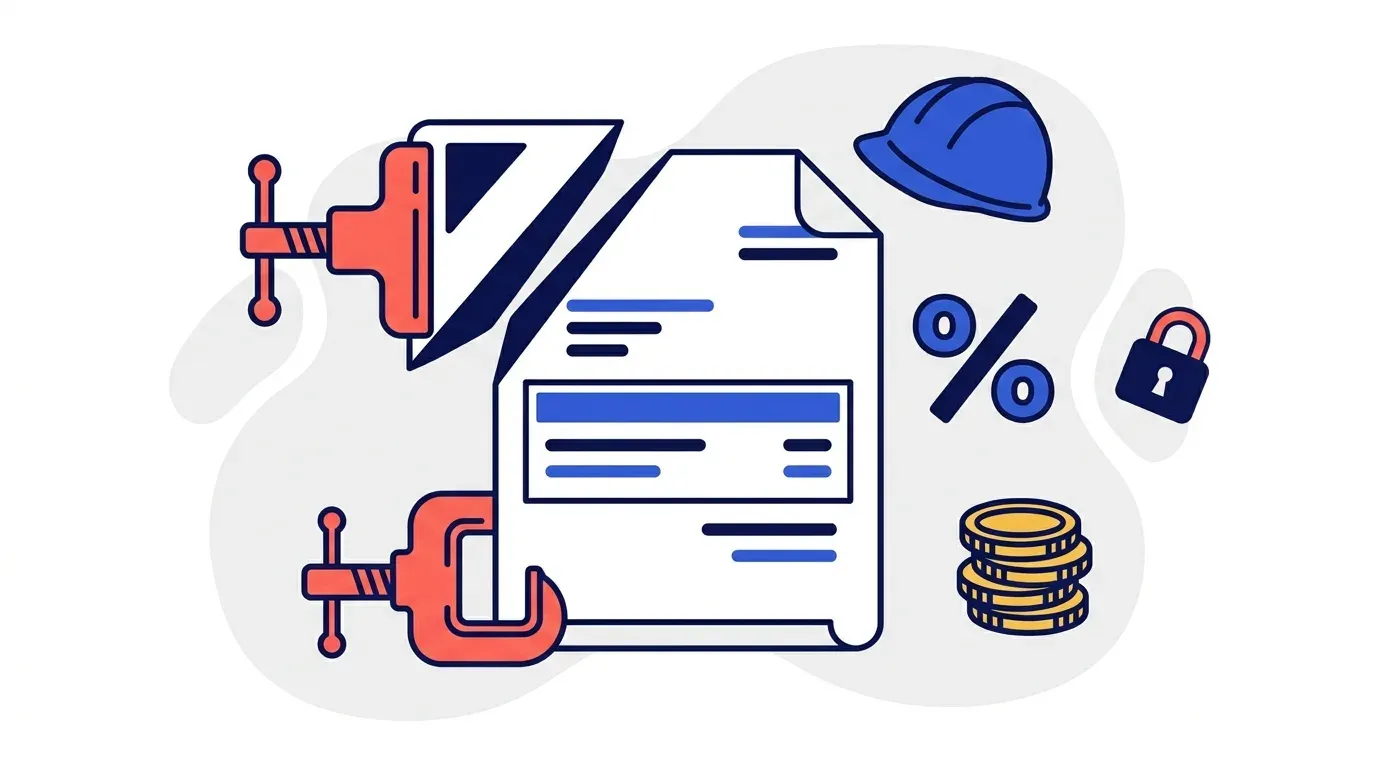
Retainage, called holdback in Canada, is a percentage of each progress invoice the client is permitted to hold back until substantial completion. Ten percent is the standard in commercial construction, though it varies by contract and jurisdiction.
The mechanics are simple but the accounting is not intuitive if you have never worked in the trade:
- You invoice $100,000 for the pay application.
- The contract allows a 10% holdback.
- The balance due on that invoice today is $90,000.
- The remaining $10,000 sits in a retainage column on your AR, not due until the project completes.
- When the job closes, you issue a separate retainage invoice to claim the accumulated $10,000 across every pay application on that contract.
From your ledger's point of view, invoice 2356 shows a total of $100,000, a payment of $90,000, and an outstanding balance of $10,000. To a naive collections tool, that looks exactly like a customer who short paid you. It is not. It is a customer who paid in full and correctly.
This is the single most important thing an AR automation platform has to get right in construction, and it is the thing most generic tools get wrong.
The rule: follow the balance owing, not the invoice total
The correct behavior is straightforward once you state it plainly. Automation should follow what is actually due, and nothing else.
That means:
- Read the net amount due from the ERP, not the gross invoice value. Your accounting system already computes this. It knows the invoice was $100,000, that $90,000 was billed as currently payable, and that $10,000 is retained.
- Treat the invoice as satisfied when the net due amount is paid. No reminders, no escalation, no phone calls.
- Leave the retained balance out of the follow-up sequence entirely until you issue the retainage invoice.
- Start the clock on the retainage invoice when you release it, using whatever terms apply to final billing, which are often longer than your standard net 30.
The retained amount is not a collections problem. It is a billing milestone. The automation's job is to know the difference.
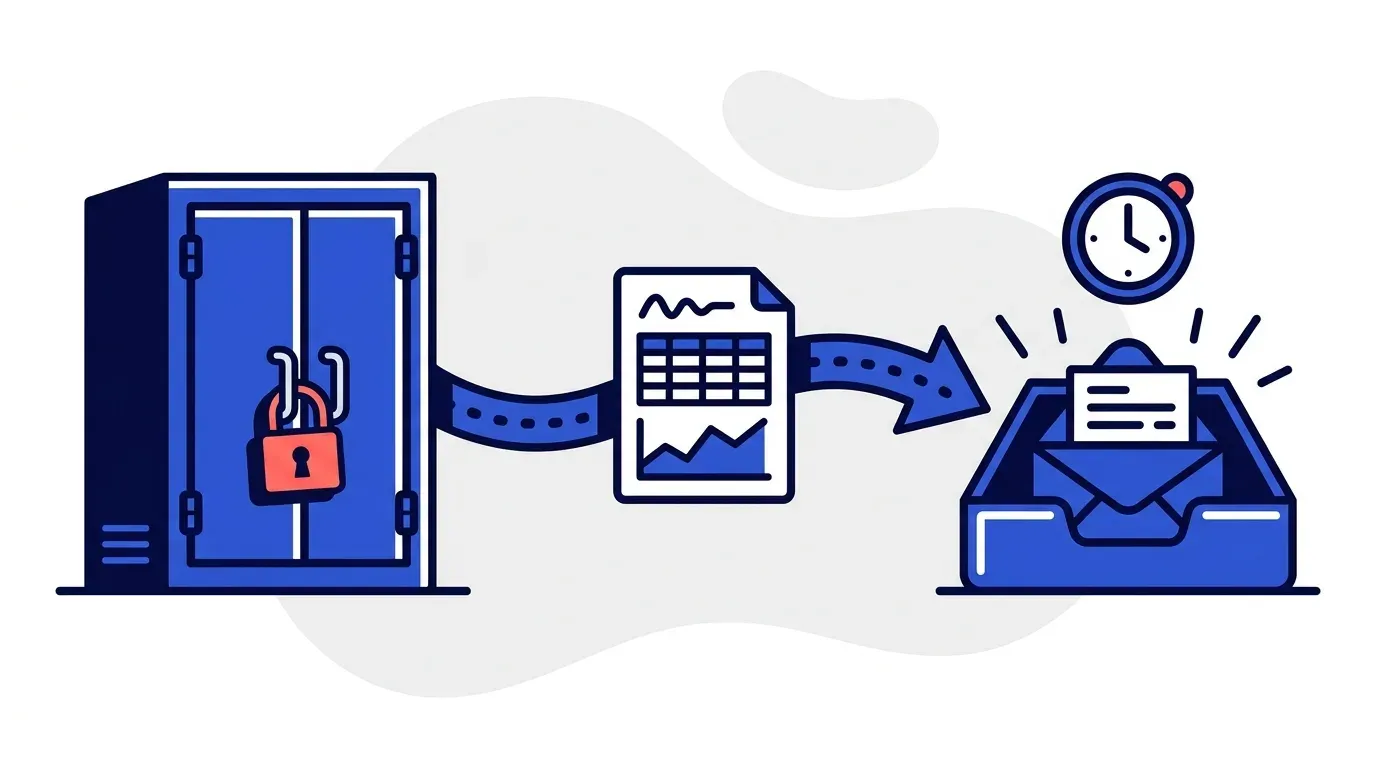
Yonovo reads the outstanding balance from your ERP rather than the invoice header. If your ledger shows an invoice net to zero after a 90% payment against a 10% holdback, no follow-up is triggered. If it shows a genuine unpaid balance, follow-up runs as normal.
Why the distinction is harder than it sounds
The reason generic AR tools stumble here is that they were built for subscription and wholesale businesses where an invoice is a single, fully due obligation. One invoice, one amount, one due date, paid or not paid. Construction breaks all three assumptions.
One contract produces many invoices
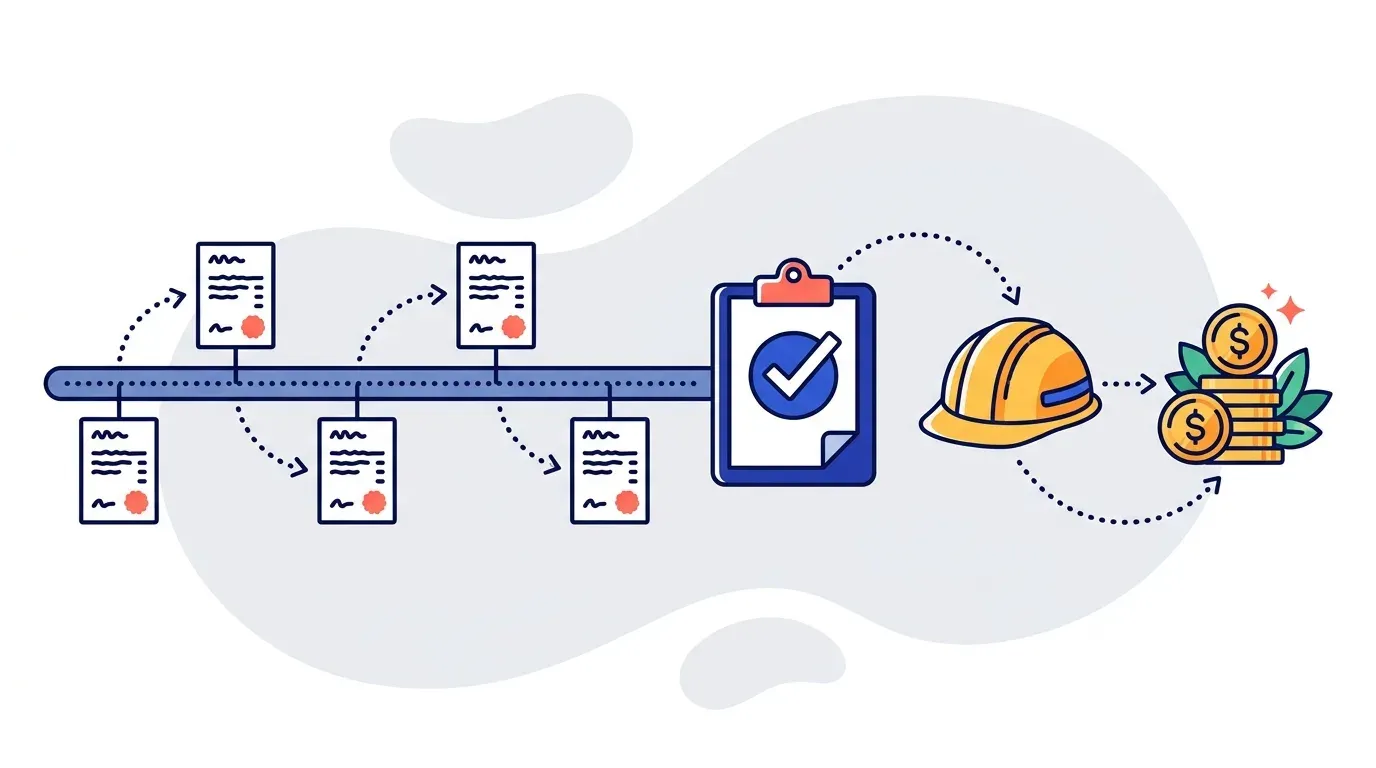
A single project generates a sequence of pay applications, often four to eight over the life of the job, and a client can have several projects running at once. A general contractor might have six active projects with one customer, each with its own billing schedule, its own change orders, and its own retainage balance.
If your automation groups follow-ups by invoice, that customer receives a stream of separate reminders for what they experience as one relationship. Grouping by customer and project instead is a basic requirement, not a nice to have.
Invoices get renamed
Construction AR teams rarely use raw invoice numbers. A typical reference looks like "Alo Downtown, Pay App 1, Invoice 2356," because the project manager on the other end needs to know which job the bill belongs to before they will approve it.
This is fine for automation as long as a unique identifier survives inside the string. The invoice number is usually enough. What breaks a platform is when there is no consistent identifier at all, which is rare but worth checking against a sample of your own data before you commit.
The reason for non payment is usually operational, not financial
This is the part that surprises software vendors. In wholesale, an unpaid invoice usually means a cash flow issue or a forgotten bill. In construction, it usually means something is not finished.
The awnings are not installed. The painting is incomplete. A change order has not been signed. The AR lead sends a reminder, the client responds that the work is not done, and the real next step is not another payment reminder. It is a conversation with the project manager to confirm whether the work is complete and the invoice should be paid.
Any automation you deploy has to hold that context. When a customer replies explaining why they are withholding payment, the next message in the sequence must acknowledge it. A follow-up that repeats "your invoice is overdue" after the client has already told you the job is unfinished does more damage than sending nothing at all.
Yonovo keeps the full communication history tied to each invoice and customer, and subsequent messages adapt to the last reply rather than restarting the same template. That matters more in construction than in any other vertical we work with.
What to verify before you buy
If you run AR for a construction business, these are the questions worth asking any vendor on the demo. They are the ones our own customers ask, and the answers separate the platforms that will work from the ones that will get switched off.
| Question | What a good answer sounds like |
|---|---|
| Do you follow the invoice total or the balance owing? | Balance owing, read from the ERP |
| Where does the retained amount come from? | A dedicated holdback or retainage field in the export or API |
| Can you suppress follow-up on retainage until release? | Yes, retainage is excluded until a retainage invoice is issued |
| Can you group follow-ups by project, not just invoice? | Yes, using a project or contract reference |
| Does the next message reflect the customer's last reply? | Yes, communication history is tied to the invoice |
| Can you handle non standard invoice references? | Yes, as long as a unique identifier is present |
If a vendor cannot answer the first two clearly, the rest does not matter.
The integration question
Most construction ERPs are not the systems AR automation vendors build for first. Maestro, Sage 300 CRE, Viewpoint, Procore, and various in house SQL systems are common, and several of them are effectively closed.
This matters less than people expect. There are two workable paths:
Direct integration. If the ERP exposes an API or a readable database, the platform reads open invoices, aging, retained amounts, and customer contacts on a schedule. Nothing is written back. Contact records and payment data stay untouched.
Scheduled export. If the ERP is closed, a daily or weekly AR aging export plus a customer contact list does the same job. Many ERPs can email a scheduled report automatically, which means the export happens without anyone touching it. Where that is not available, it is a one minute task for the AR rep instead of the two or three hours a day they currently spend sending reminders by hand.
The export route is not a downgrade in outcome. It is a downgrade in convenience, and a small one. What actually matters is whether the export contains the retained amount as its own column. If it does not, ask your ERP administrator to add it before you evaluate any vendor, because no platform can infer holdback from a total and a payment.
Where the real cash is hiding
Here is the part most construction finance teams underrate. The risk in retainage is not that automation will chase it too aggressively. It is that nobody chases it at all.
A project runs eleven months. Six pay applications go out. Each one retains ten percent. The job reaches substantial completion, the project manager moves on to the next site, and the retainage invoice gets issued three months late because it lives in a spreadsheet nobody owns. Across a portfolio of thirty active projects, that is a meaningful amount of cash sitting still.
The value of putting retainage into a system is visibility, not pressure. Accumulated holdback stays in the aging view, tied to a project, with a release trigger attached to project status. The follow-up on the retainage invoice then runs like any other invoice once it is issued.
That is the ordinary, unglamorous win. Not chasing harder. Just not forgetting.
What this looks like in practice
Construction AR teams are usually small. One person for the US entity, one for Canada, sometimes just one person for everything. They are also doing the invoicing, which means during a heavy billing week collections stop entirely and cash flow slips accordingly.
Automation does not replace that person. It removes the part of the job that is pure repetition: opening the aging report, identifying what crossed thirty days, looking up the contact, writing the email, and logging in a spreadsheet whether this was the first, second, or third reminder. That work is roughly eight minutes per invoice, every time, forever.
Across our customer base, automating follow-ups recovers an average of 15 hours per week. One Yonovo customer brought DSO down from 65 days to 41.
TDG Inc, a Yonovo customer in wholesale distribution, reduced manual follow-ups by 80% and cut DSO by 15 days within three months. Construction volumes are lower per month, so the DSO effect tends to be smaller, but the time recovered is proportionally similar and it lands during exactly the weeks when the AR rep has none to spare.
For a broader view of how automated sequences replace manual chasing, see how to stop chasing late payments. If you are weighing whether your process is ready for it, how to tell if your AR process needs automation covers the diagnostic questions.
The short version
Retainage is not an edge case in construction. It is the normal state of every invoice you issue. Any AR automation you consider has to read the balance owing rather than the invoice total, keep withheld amounts out of the follow-up sequence until you release them, and carry the conversation history forward so reminders reflect what the customer actually told you.
Get those three right and automation works well in construction. Get them wrong and you will spend more time apologizing to clients than you saved.
If you want to see how this works against your own aging report, book a demo and bring a CSV export. It is the fastest way to find out whether your retainage data is structured the way it needs to be.
Frequently Asked Questions
What is retainage in accounts receivable?
Retainage, also called holdback, is a percentage of each progress invoice that the customer is contractually allowed to withhold until the project is complete. Ten percent is the most common figure in commercial construction. If you invoice $100,000 with 10% retainage, the customer owes $90,000 now and $10,000 at project completion. Both amounts sit in your accounts receivable, but only one of them is actually collectible today.
Will AR automation chase my customers for retainage that is not due yet?
It should not, and a properly configured system will not. The rule is that automation follows the balance owing, not the invoice total. Your ERP already tracks the retained amount in a separate holdback or retainage column, so the automation reads the net due figure and treats the invoice as satisfied once that net amount is paid. The withheld portion only enters a follow-up sequence when you issue the retainage invoice at the end of the project.
How does AR automation handle progress billing and pay applications?
Progress billing produces several invoices against a single contract, often with custom naming like project name plus pay application number plus invoice number. Automation handles this as long as each line carries a unique identifier, usually the invoice number, and a customer reference. The platform then groups follow-ups by customer and project rather than sending separate reminders for every pay application in the same job.
What happens with partial payments and short pays in construction?
A partial payment reduces the balance owing rather than closing the invoice. Automation should follow up on the remainder only if that remainder is actually due. The distinction matters in construction because a 90% payment against a 100% invoice is usually a full payment net of retainage, not a short pay. The system needs your ERP to expose the retained amount separately so it can tell the difference.
Can AR automation work with a construction specific ERP?
Yes, through one of two routes. If the ERP exposes an API or database connection, the platform reads open invoices, aging, and customer contacts directly. If it does not, a scheduled export of the AR aging report and customer list achieves the same result. Construction platforms like Maestro, Sage 300 CRE, Procore, and Viewpoint are all workable either way. The integration route matters far less than whether the export includes the retained amount as its own field.
Does automating collections work when a project drags on for months?
It works better than manual chasing, because the risk in long projects is that nobody remembers to bill the retainage once the job closes. Retainage balances accumulate quietly across five or six invoices and can add up to a meaningful sum. Automation keeps those balances visible in the aging view and can flag them for release when the project status changes, which is the exact step that gets forgotten in a spreadsheet driven process.