


Progress billing invoices a contract in stages as work is completed, so one project produces several invoices with different approval paths and due dates. Collections breaks down when follow-up is organized by invoice instead of by project, because a customer gets six separate reminders for what they experience as one job. Group follow-ups by project, hold the approval context, and chase the milestone that is actually overdue.
Most accounts receivable advice assumes a simple shape. You send an invoice, it has a due date, the customer pays it or does not. One invoice, one obligation, one follow-up sequence.
Project based businesses do not work that way. A single contract produces a run of invoices spread over months, each tied to a stage of work, each requiring approval from someone who does not work in accounts payable, and each with its own reason for being late. Collections tooling built on the simple shape falls over immediately.
Here is what progress billing actually does to your AR, and how to run follow-ups on it without annoying your best customers.
What progress billing is
Progress billing invoices a contract in stages as work is completed, rather than in one lump at the end.
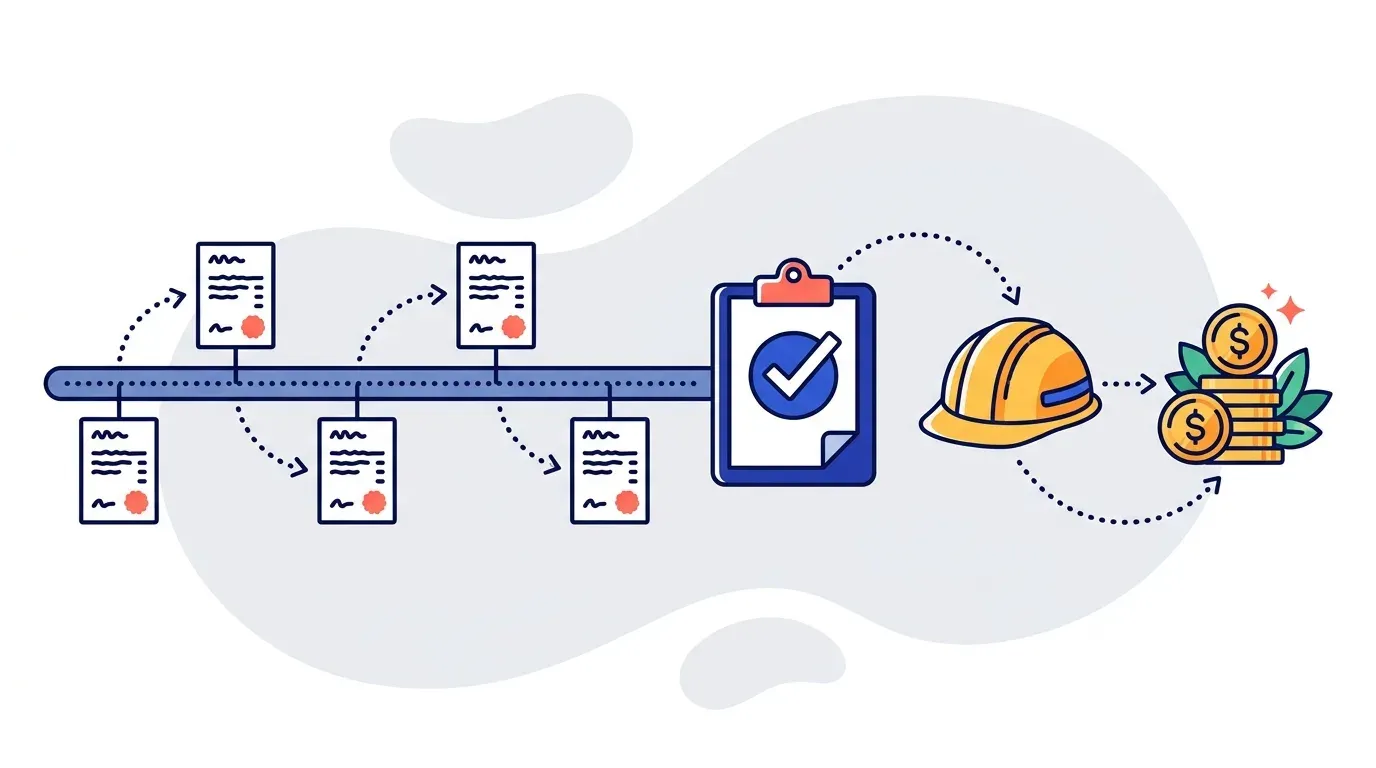
A $500,000 renovation might bill across six pay applications over eleven months. Each one covers the work completed in that period, measured against a schedule of values agreed at the start. The client pays for progress rather than promising to pay at completion, and the contractor is not financing the entire job out of working capital.
Milestone billing is the close cousin. Instead of billing a percentage of work done, you bill a fixed amount when a defined deliverable is reached. Design approved, foundation poured, system deployed. The amount is fixed in advance and the timing floats. Professional services and software implementations lean this way, construction leans toward progress.
For collections purposes the distinction barely matters. Both produce many invoices per contract, and that is the fact that breaks conventional AR process.
AIA billing and why approvals change everything
In US commercial construction, progress billing usually runs through AIA forms: G702, the application and certificate for payment, and G703, the continuation sheet that breaks out the schedule of values line by line.
The mechanics matter because of what sits in the middle. The contractor submits the pay application. An architect or owner's representative certifies it. Only then does the payment clock meaningfully start.
That certification step is where most project AR delay actually lives, and it is invisible in a standard aging report. An invoice showing 45 days overdue might be 45 days overdue because the client is short on cash, or because a pay application has been sitting uncertified on an architect's desk for six weeks. Those are completely different problems with completely different solutions, and only one of them is fixed by a payment reminder.
The three ways project AR breaks
One customer, many invoices, one relationship
A general contractor can easily have six active projects with the same client. Each project has four to eight pay applications. That is potentially thirty invoices with one customer at various stages of aging.
If your follow-up runs per invoice, that customer receives a stream of separate reminder emails for what they experience as a single business relationship. It reads as chaotic and slightly desperate, and it trains the recipient to ignore your emails, which is the opposite of the intent.
Follow-up needs to group by customer and project. One message per project, referencing the specific pay applications outstanding on that job.
Invoices get renamed
Project AR teams almost never send a bare invoice number. The reference looks like the project name plus the pay application number plus the invoice number, because the person approving it on the other end needs to identify the job before they will look at the amount.
That is fine as long as a unique identifier survives inside the string, which is usually the invoice number. It only becomes a problem when there is no consistent identifier at all, which is worth checking against a sample of your own data before evaluating any automation.
Non payment is usually an operational problem
This is the one that catches software vendors out.
In wholesale, an unpaid invoice generally means a cash issue or a forgotten bill. In project work, it usually means something is not finished. The awnings are not installed. A change order is unsigned. The punch list is open.
The AR lead sends a reminder, the client replies that the work is incomplete, and the correct next action is not another payment reminder. It is a conversation with the project manager to confirm whether the work is done and the invoice should be paid.
Any automation you run has to hold that context. A follow-up that repeats "your invoice is overdue" after the customer has already explained that the job is unfinished is worse than sending nothing at all. Yonovo ties the full communication history to each invoice and customer, so subsequent messages adapt to the last reply instead of restarting the template.
Building a follow-up sequence that fits
The standard net 30 dunning ladder does not map cleanly onto project work. Here is a shape that does.
| Stage | Trigger | Action | Who it goes to |
|---|---|---|---|
| Submission | Pay application sent | Confirmation of receipt | Client PM and AP |
| Certification watch | 7 to 14 days, not certified | Status check on the approval | Client PM or architect |
| Standard reminder | Certified, past due date | Payment reminder | Accounts payable |
| Escalation | 30 to 45 days past due | Firmer reminder, add SMS | AP plus client PM |
| Internal escalation | 60 days | Alert your own project manager | Your PM or account owner |
| Late stage | 60 to 90 days | Add voice, involve leadership | Client leadership |
The important row is the second one. Most project AR processes have no step at all between "invoice sent" and "invoice overdue," which means an uncertified pay application sits invisible for a month before anyone reacts. A short status check at day ten catches it while it is still easy to resolve.
The other important row is the internal escalation. In project businesses the person with the actual leverage is often your own project manager, who talks to the client's PM weekly and can raise a stalled invoice in a conversation that was happening anyway. Routing an alert to them at day 60 costs nothing and works better than a fourth email to accounts payable.
What about retainage?
If you are in construction, the invoices in all of the above are not fully due. The contract lets the client withhold a percentage, usually ten percent, until the project completes.
This is important enough that chasing it wrongly will get your automation switched off in the first month. The short version: follow the balance owing, not the invoice total, and leave the withheld amount out of the sequence until you issue the retainage invoice. The full explanation is in how AR automation handles construction retainage and holdback.
Related and equally common: a client who pays less than the invoiced amount without explanation. In project work that is often a legitimate holdback, but sometimes it is a genuine deduction that needs research. Telling the two apart is covered in short pays and deductions.
The retainage that never gets billed
Here is the failure mode that costs project businesses the most money, and it is not a collections failure at all.
A job runs eleven months. Six pay applications go out, each retaining ten percent. The project reaches substantial completion. The project manager moves to the next site. The retainage invoice gets issued three months late, or in bad cases not at all, because it lives in a spreadsheet nobody owns.
Across thirty active projects that is a meaningful amount of cash sitting still, and it is entirely a visibility problem. Accumulated holdback needs to stay in the aging view, tied to a project, with a release trigger attached to project status. Once the retainage invoice is issued it follows the normal sequence like anything else.
What good looks like
Project AR teams are usually small. One or two people, often the same people doing the invoicing. During a heavy billing week, collections stops entirely, and cash flow slips accordingly.
That is the specific problem automation solves here. Not chasing harder, but chasing consistently through the weeks when the human simply does not have the hours. The reminders go out on schedule regardless of what else is happening, from your own domain and signed by your AR rep, and the team handles the exceptions.
Across our customer base, automating follow-ups recovers an average of 15 hours per week. TDG Inc reduced manual follow-ups by 80% and cut DSO by 15 days within three months. One Yonovo customer brought DSO from 65 days down to 41.
Project businesses see a smaller DSO effect than transactional ones, because the approval cycle sets a floor no amount of follow-up can go below. The hours recovered, though, land in exactly the weeks the team is most stretched.
What to check before you buy
If you run project based AR, ask any vendor these five:
- Can you group follow-ups by project and customer instead of per invoice?
- Can you distinguish an invoice awaiting approval from one awaiting payment?
- Can you route an internal alert to our project manager, not just the client?
- Do you follow balance owing rather than invoice total, and can you exclude retainage?
- Does the next message reflect what the customer said in their last reply?
If a vendor answers the first and fourth clearly, the rest usually follows. If they cannot, the tool was built for subscription billing and will fight your process the whole way.
Bring us an aging export with a few active projects on it and book a demo. It takes about ten minutes to tell whether your data is structured the way project follow-ups need.
Frequently Asked Questions
What is progress billing?
Progress billing is invoicing a customer in stages as portions of a project are completed, rather than once at the end. A contract worth $500,000 might be billed across six invoices tied to completion percentages or defined milestones. It is standard in construction, engineering, and large professional services engagements, because it keeps cash flowing to the contractor during a job that may run for a year.
What is the difference between progress billing and milestone billing?
Progress billing typically bills a percentage of work completed in a period, so the amount varies with actual progress. Milestone billing bills a fixed amount when a defined deliverable is reached, so the amount is set in advance and the timing varies. Construction usually uses progress billing against a schedule of values. Professional services and software projects more often use milestone billing. Both produce multiple invoices per contract, which is what matters for collections.
What is AIA progress billing?
AIA billing refers to the standardized forms published by the American Institute of Architects, principally G702 (the application and certificate for payment) and G703 (the continuation sheet detailing the schedule of values). The contractor submits a pay application showing work completed to date, the architect or owner certifies it, and payment follows. It is a formal approval step, which is why AIA billed invoices often have longer and less predictable payment timelines than standard net terms.
Why is collections harder for project based businesses?
Three reasons. Invoices depend on approvals from someone outside accounts payable, usually a project manager or architect, so the delay is often operational rather than financial. One customer can have several concurrent projects, so invoice level follow-up produces a confusing stream of separate reminders. And non payment frequently means the work is disputed as incomplete, which no amount of payment chasing will resolve.
Can AR automation handle progress billing?
Yes, provided it groups follow-ups by project and customer rather than sending a separate reminder per invoice, and provided it carries forward the reason an invoice is unpaid. The platform reads the open invoices and balances from your ERP or an export, applies your reminder cadence, and escalates internally to the project manager when an invoice stalls on an approval rather than on a payment.
How should you follow up on an invoice waiting for approval?
Differently from one waiting for payment. An invoice stuck in certification needs an internal nudge to the project manager or a check with the architect, not a payment reminder to accounts payable. Sending a firmer payment demand to AP when the real blocker is an uncertified pay application wastes the escalation and irritates a customer who is not actually at fault.