


Send payment reminders from a named person on your own domain, not from a generic ar@ address and not from a vendor's domain. Recipients reply to whoever the message appears to come from, so a brand new sender address means replies scatter to sales reps and executives and the conversation history breaks. Pick an address that looks like an existing colleague, and make sure every reply lands somewhere one person actually monitors.
Almost every conversation about automated payment reminders focuses on the content: the wording, the timing, the escalation ladder. Very little attention goes to the field that actually determines whether any of it works.
The From line.
Get it wrong and two things happen. Your reminders land in spam, or they land in the inbox and the replies go somewhere your system will never see. Both failures are invisible from the inside, because your dashboard reports messages sent, not conversations kept.
Here is how to think about it.
The problem nobody anticipates
A distribution business we spoke with raised this before we had finished the demo. Their point was sharp enough that it is worth quoting the shape of it.
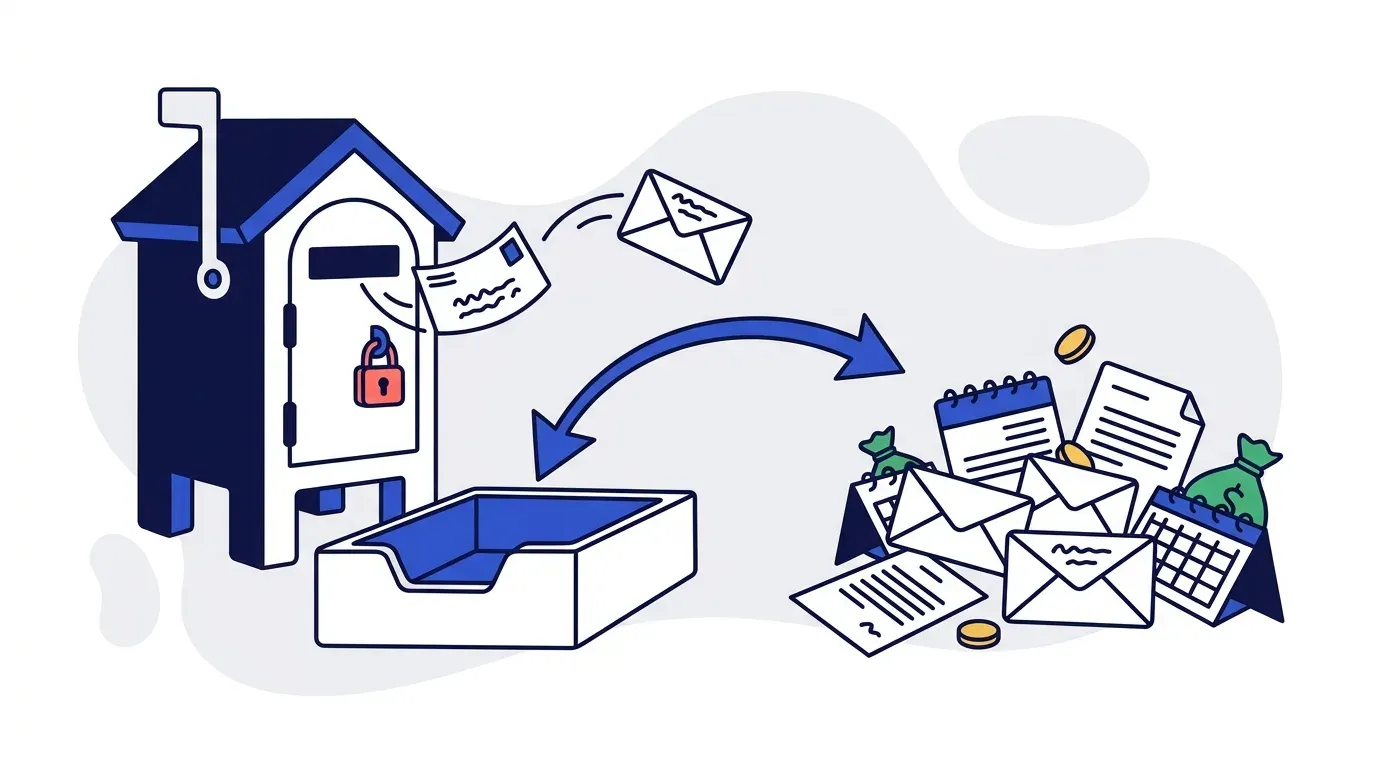
They wanted reminders sent from a new AR address on their domain. Fine. But their customers had never seen that address. And in their industry, when a client receives an invoice they want to argue about, they do not reply politely to the sender. They strip everyone off the thread and forward it to the person they actually know, usually their sales rep, sometimes the owner.
So the dispute leaves the system. The AR platform records that a reminder was sent and nothing came back. Meanwhile the real conversation is happening in a sales rep's inbox, invisible to the person responsible for the invoice, and the next scheduled reminder goes out as if nothing was said.
That is not an edge case. It is what happens whenever the sender address is unfamiliar.
Rule one: send from your own domain
This is non negotiable and it is the first thing to verify with any vendor.
Reminders that arrive from collections@arplatform.io read as third party collections activity, which changes the emotional register of the message entirely. A friendly nudge from your accounts team and a notice from an outside agency are different communications, even with identical wording.
There is a technical argument too. A vendor's shared sending domain carries the aggregate reputation of every customer on it. If another company on that domain sends badly, your deliverability suffers for reasons you cannot see or control.
Sending from your domain requires SPF, DKIM, and DMARC records authorizing the platform to send on your behalf. It is a DNS change, usually fifteen minutes of work, and any vendor who cannot walk you through it is not one to buy from.
Rule two: make the sender look familiar
This is the fix for the forwarding problem, and it is simpler than it sounds.
If your AR person is Jenny Smith at jenny@company.com, do not create ar@company.com. Create something like jenny.smith@company.com or jsmith@company.com. The customer sees a name they recognize, assumes it is another address Jenny uses, and replies to it directly.
You are not impersonating anyone. Jenny is real, she stands behind the messages, her signature is on them, and she reads the replies. You are just avoiding an unfamiliar sender that triggers the forward reflex.
Compare the options:
| Sender | Reply behavior | Deliverability | Feels like |
|---|---|---|---|
noreply@company.com | No replies possible | Poor | A machine |
ar@company.com | Often forwarded elsewhere | Mediocre, generic mailboxes get filtered | A department |
accounting@company.com | Often forwarded elsewhere | Mediocre | A department |
jenny.smith@company.com | Direct reply to sender | Good | A colleague |
A noreply address on a payment reminder is self defeating in an obvious way. You are asking someone for money and simultaneously telling them not to respond. It happens more often than it should.
Rule three: every reply must land in one place
Once replies come back, they need a single destination.
The point of a centralized AR inbox is not tidiness. It is that the next message in the sequence has to know what the customer said in the last one. A follow-up that repeats "your invoice is overdue" three days after the customer explained they are waiting on a credit note is worse than sending nothing. It signals that nobody read their reply, which is exactly the impression you are trying to avoid.
Centralization also survives staffing. When your AR person is on vacation, the history is still there and someone else can pick up an account without starting cold.
At Yonovo, replies across email, SMS, and voice land in one inbox with a drafted response waiting for review. The person handling it starts from the invoice context rather than a blank message, and they still decide what actually gets sent. Nothing auto-replies to a dispute.
The forwarding problem does not fully disappear
Be honest about the limit here. Even with a familiar sender address, some customers will still forward to their usual contact, because that is their habit and no email configuration overrides habit.
Two things reduce the damage:
Keep the AR address in the thread. If the customer replies-all or leaves the original address in CC, the context is captured. Most do. The ones who strip everyone off the thread are the minority, and they were going to do that regardless.
Give the forwarded-to people somewhere to put it. Sales reps and executives who receive an invoice dispute need a one step way to get it back into the system, usually forwarding to the AR address. That works as long as the original message stays in the chain. Tell the team the address exists and what to do with it, once, and most of the leakage stops.
The tracking pixel question
Somebody will ask whether you can see when a customer opens an invoice email. It is a reasonable thing to want.
The answer is that you can, and you should not.
Open tracking works by embedding an invisible image that loads from a tracking server. Spam filters have recognized this pattern for years and treat it as a negative signal. For marketing email, where deliverability is a numbers game, the tradeoff can be worth it. For payment reminders, where you need each individual message to reach a specific person's inbox, it is not close.
Knowing an email was opened also tells you very little that matters. A customer who opened your reminder and did not pay is in the same position as one who did not open it: still owing you money, still needing the next follow-up. It feels like information and it changes nothing.
We do not track opens on reminder emails, and we tell prospects that plainly when they ask.
Multiple entities, multiple domains
If you invoice from more than one legal entity, each needs its own sending identity.
A business running two companies with separate ledgers and separate tax registrations should send from each company's own domain, signed by whoever handles AR for that entity. Customers of one should never receive mail branded as the other, and mixing them creates genuine confusion about who is owed what.
That usually means a parent account with sub-accounts underneath, one per entity, each with its own sender configuration and its own follow-up rules. Worth confirming a vendor supports this if it applies to you, because some do not.
Deliverability basics worth doing once
None of this matters if the messages do not arrive.
- Authenticate the domain. SPF, DKIM, DMARC. Do it before the first send.
- Warm the address. A brand new sender pushing three hundred messages on day one looks exactly like a compromised account. Ramp over a week or two.
- Clean the contact data. Bounces from stale addresses damage sender reputation. Bad emails and disconnected numbers are extremely common in AR data, and they are worth fixing at the source rather than absorbing.
- Skip the pixel. Covered above.
- Watch for failures. A wrong email or a landline that cannot receive SMS should surface visibly, not fail silently. Those are usually symptoms of stale customer records, and they are cheap to fix once you can see them.
Escalation and CC
Do not CC your sales team on routine reminders. The volume becomes noise, the rep stops reading them, and the one message that mattered gets missed alongside the ninety that did not.
Escalation is a different case. Once an invoice crosses a threshold, 45 or 60 days depending on your business, looping in the account owner is often the highest leverage move available. They have a live relationship, they are probably speaking to the client about something else anyway, and a mention in that conversation carries more weight than a fourth email to accounts payable.
Configure it as a threshold with a named recipient. Not a default.
The short version
The sending address is not a settings detail. It decides whether reminders arrive, whether customers reply to you or around you, and whether the next message in your sequence knows what happened in the last one.
Send from your own domain. Make the sender resemble a colleague the customer already recognizes. Route every reply to one monitored place. Skip open tracking. Escalate to the account owner by threshold rather than CCing them on everything.
Across our customer base, automating follow-ups recovers an average of 15 hours per week. TDG Inc reduced manual follow-ups by 80% and cut DSO by 15 days within three months.
For the content that goes inside these emails, invoice reminder templates and best practices covers timing and tone by aging stage, and dunning letters covers the escalation ladder. This post is about the envelope rather than the letter, and the envelope is the part most teams never configure.
If you want to see how sender setup and the reply inbox work together, book a demo.
Frequently Asked Questions
Should invoice reminders come from a person or a generic AR address?
A named person gets better results. Recipients respond more readily to a human sender than to a departmental mailbox, and generic addresses are filtered more aggressively by spam systems. The practical compromise is a named address on your domain that a real colleague stands behind, so replies feel like a conversation rather than a ticket, while the mailbox itself is monitored as a shared resource.
Can AR automation send from our own email domain?
It should, and you should treat it as a requirement. Reminders sent from a vendor's domain look like third party collections activity, which changes how customers read them and hurts deliverability. A properly configured platform authenticates against your domain using SPF, DKIM, and DMARC records so messages come from your company and land in the inbox.
What happens when a customer replies to the wrong person?
This is the most common failure in automated AR email, and it happens because the reminder arrives from a sender the customer has never seen. Rather than replying to an unfamiliar address, they forward the message to their usual contact, often a sales rep or an executive. That reply, and the dispute inside it, never reaches the AR system. The fix is to use a sender address that closely resembles one the customer already recognizes.
Do read receipts and email open tracking help with collections?
Rarely enough to be worth the cost. Open tracking works by embedding a tracking pixel, which is a well known spam signal and measurably reduces the share of messages that reach the inbox. For payment reminders, deliverability matters far more than knowing whether an email was opened. Yonovo does not track opens on reminder emails for this reason.
Should we CC our sales rep or account manager on payment reminders?
Not on routine reminders, because the volume becomes noise and the rep stops reading them. Escalations are different. Once an invoice is significantly overdue, looping in the account owner is often the single most effective step available, since they have a live relationship and can raise it directly. Configure this as a threshold, not a default.
How do we avoid payment reminders going to spam?
Authenticate the sending domain with SPF, DKIM, and DMARC. Avoid open tracking pixels. Warm a new sending address gradually rather than sending hundreds of messages on day one. Keep your contact data clean, since bounces from stale addresses damage sender reputation. And send from a domain you own, because a vendor's shared domain inherits every other customer's reputation problems.