


NetSuite is a powerful ERP, but its native AR tools stop at invoicing and basic reminders. To actually automate collections, you layer a tool on top that reads your invoices and aging data, runs multi-channel follow-ups, and writes status back. This guide walks through what to automate in NetSuite AR, how multi-subsidiary collections work, and how to get live in a day.
NetSuite gives finance teams a single system for invoicing, customer records, and reporting. What it does not give you, out of the box, is hands-off collections. Native NetSuite handles the bill: it creates invoices, tracks aging, and can send basic statement reminders. But chasing overdue invoices across channels, scoring which customers are likely to pay late, and escalating the accounts that need a human still falls on your team.
This guide covers what you can realistically automate in NetSuite accounts receivable, how to do it without a long SuiteApp project, and what changes when you run multiple subsidiaries. If you are still choosing a tool, start with the accounts receivable automation software comparison.
What NetSuite AR does natively (and where it stops)
NetSuite's strengths on the AR side are the system-of-record basics:
- Invoice creation and tracking
- Customer and aging records
- Scheduled statements and simple reminders
- Standard AR reports and dashboards
Where it stops is the active work of collecting. NetSuite will not, on its own, run a multi-touch follow-up sequence that escalates from email to SMS to a phone call as an invoice ages, predict which customers are drifting toward late payment, or pause automatically when a customer disputes a charge. That is the gap AR automation fills.
What to automate
Focus automation where manual effort is highest and most repetitive:
- Follow-up sequences. Replace one-off reminder emails with a defined cadence that fires before and after the due date and escalates channels over time.
- Multi-channel outreach. Email response rates fall as invoices age. Adding SMS, voice, and WhatsApp lifts response, especially for customers who ignore email. See multi-channel payment chasing.
- Risk scoring and prioritization. Let the system surface the accounts most likely to slip so your team spends time where it matters.
- Escalation and dispute handling. Automatically flag disputes and route accounts that need a human, with full context.
- Status write-back. Push payment and status updates back to NetSuite so you are not reconciling two systems.
How to set it up with Yonovo
Yonovo connects to NetSuite and takes over the collections process:
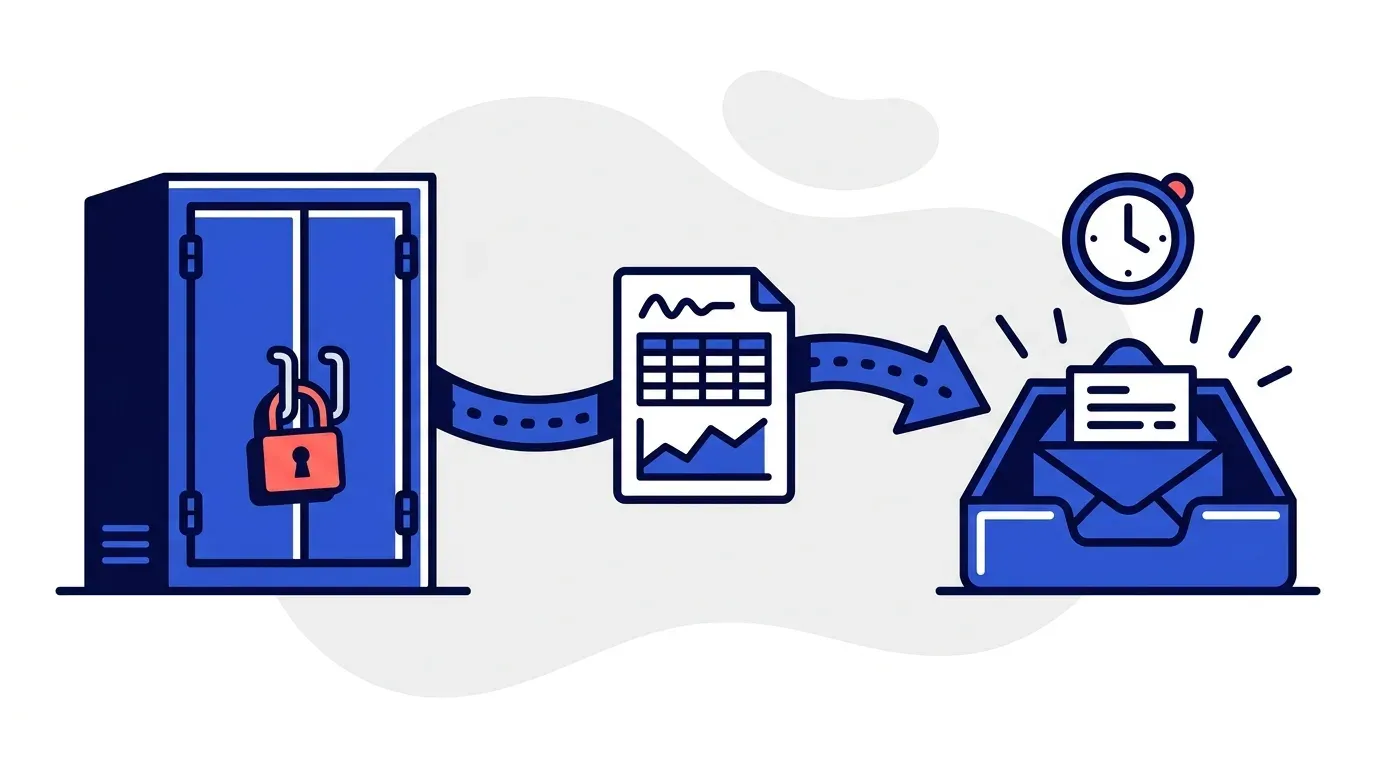
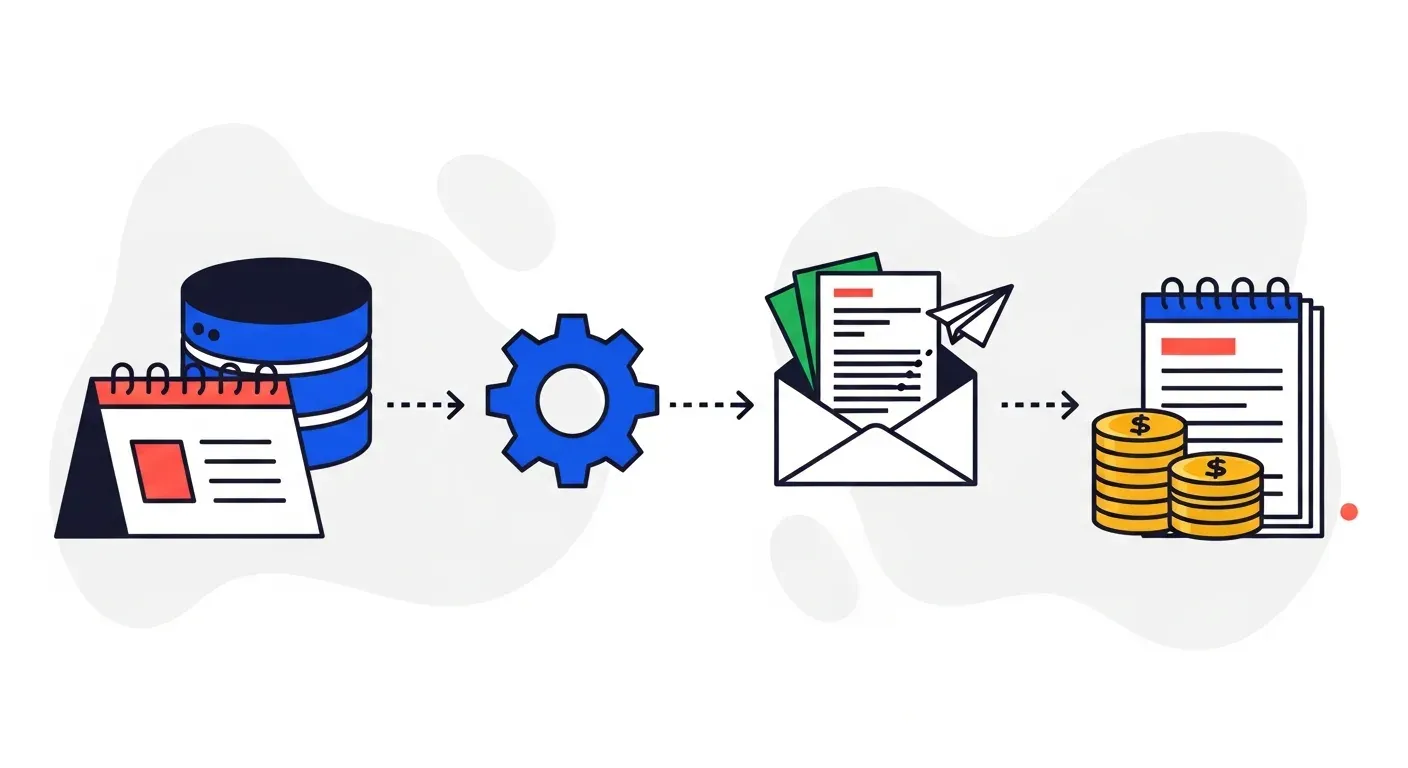
- Connect NetSuite. Authorize the connection; Yonovo imports your invoices, customers, and aging data.
- Set your rules, or let AI decide. Define follow-up workflows, or let Yonovo analyze your customers and recommend a strategy you approve.
- Choose your channels. Email, SMS, voice, and WhatsApp, sent from your company's name and branding.
- Go live. Overdue invoices start getting followed up automatically, and payment status flows back to NetSuite.
Most teams are live within a day, with no SuiteApp build required.
Multi-subsidiary collections
NetSuite is common in companies that run several legal entities. Collections automation should respect that structure: syncing invoices and aging per subsidiary, segmenting workflows by entity or currency, and keeping each subsidiary's terms and branding intact. When you evaluate a tool, confirm it handles multi-entity setups rather than flattening everything into one queue.
Measuring the impact
The metric to watch is DSO. Automating follow-ups typically pulls DSO down by collecting faster and more consistently, which frees working capital. Use our free DSO calculator to estimate how much cash a lower DSO would release for your business.
Next steps
If you run NetSuite and your team is still chasing invoices by hand, automating collections is the fastest lever you have. See the Yonovo NetSuite integration, compare the broader market in our best AR automation software guide, or book a demo to see it run on your own invoices.
Frequently Asked Questions
Does NetSuite have built-in AR automation?
NetSuite handles invoicing, customer records, and aging reports natively, and you can schedule basic statement reminders. But it does not run multi-channel collection sequences, score customer risk, or escalate intelligently out of the box. Teams that want true collections automation typically add a dedicated AR tool that connects to NetSuite.
How do you automate collections in NetSuite?
Connect a collections-automation platform to NetSuite so it imports invoices, customers, and aging data. Define your follow-up workflows (or let the tool recommend them), choose channels like email, SMS, and voice, and let the system chase overdue invoices automatically. Payment and status updates sync back to NetSuite so your ledger stays current.
Can AR automation handle NetSuite multi-subsidiary setups?
Yes. A good integration syncs invoices and aging across subsidiaries and lets you segment workflows by entity, currency, or customer. That matters for NetSuite customers who run multiple legal entities and need collections that respect each subsidiary's terms and branding.
How long does it take to set up NetSuite AR automation?
With Yonovo, most teams connect NetSuite and start automating follow-ups within a day, with no SuiteApp development project. The exact time depends on how many workflows and segments you configure, but the connection itself is fast.