


Sage Intacct is built for finance teams that need dimensional reporting and multi-entity accounting, but its AR module stops at invoicing and statements. To automate collections, connect a tool that reads your Sage invoices and aging, runs multi-channel follow-ups, and writes status back. This guide covers what to automate and how to get live quickly.
Sage Intacct is a favorite among finance teams that need real dimensional reporting and clean multi-entity accounting. It is strong at recording what happened. What it does not do is actively collect what you are owed. Sage handles invoicing, customer records, and statements, but the work of chasing overdue invoices across channels, prioritizing at-risk accounts, and handling disputes is still manual.
This guide covers what to automate in Sage accounts receivable and how to do it without a drawn-out rollout. If you are still weighing platforms, the accounts receivable automation software guide compares ten of them side by side.
What Sage handles natively
On the AR side, Sage Intacct covers the system-of-record essentials:
- Invoicing and customer records
- Dimensional AR reporting and aging
- Scheduled statements and basic reminders
- Strong multi-entity and consolidation support
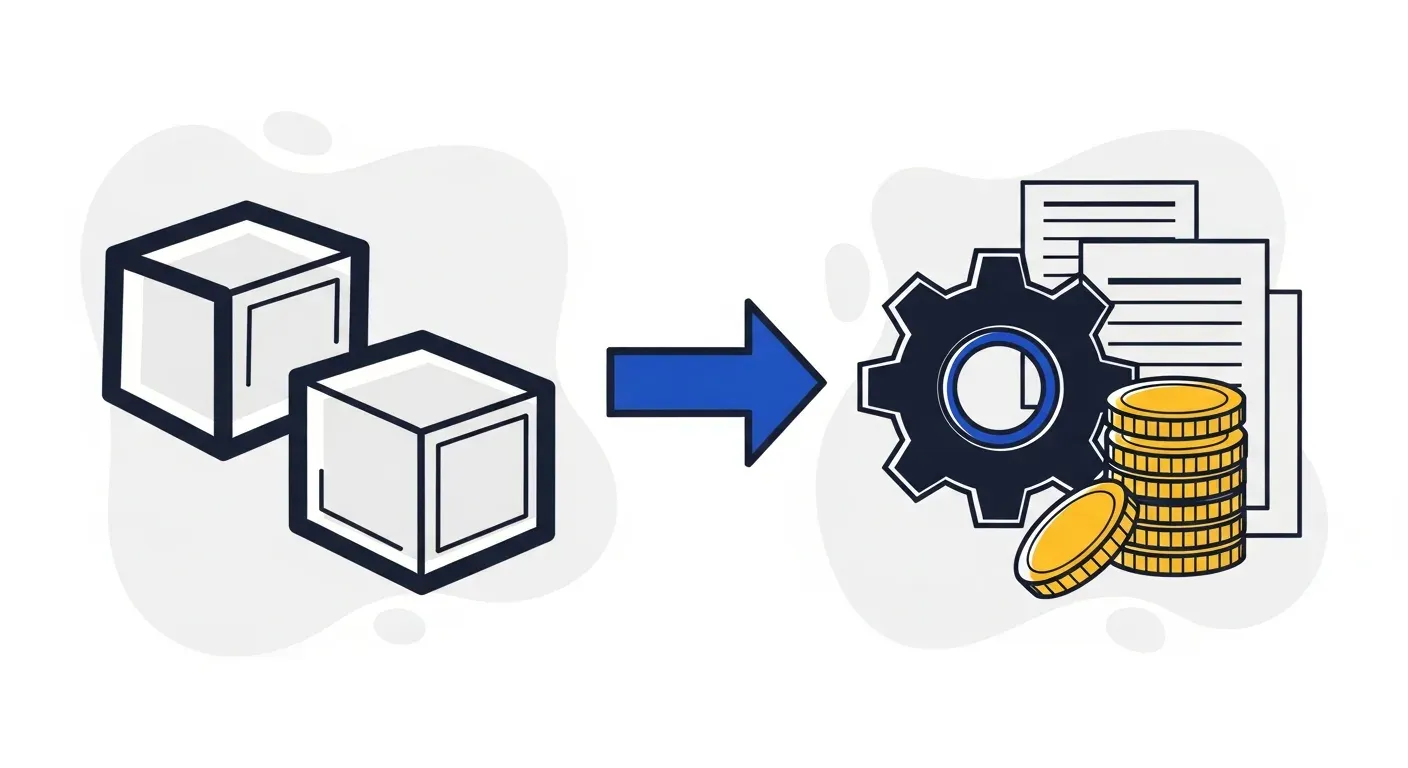
These are the foundations. But Sage will not run a multi-touch follow-up sequence that escalates as an invoice ages, predict which customers are likely to pay late, or pause when a customer disputes a charge. That active collections layer is what AR automation adds.
What to automate
- Follow-up cadences. Move from ad hoc reminders to a defined sequence that fires before and after the due date.
- Multi-channel outreach. Email alone loses steam as invoices age; SMS, voice, and WhatsApp reach more customers. See multi-channel payment chasing.
- Risk-based prioritization. Focus your team on the accounts most likely to slip.
- Dispute handling. Flag disputes, pause automation, and route to a human with context.
- Status write-back. Sync payment status to Sage so you are not reconciling two systems.
How to set it up with Yonovo
Yonovo connects to Sage and runs collections:
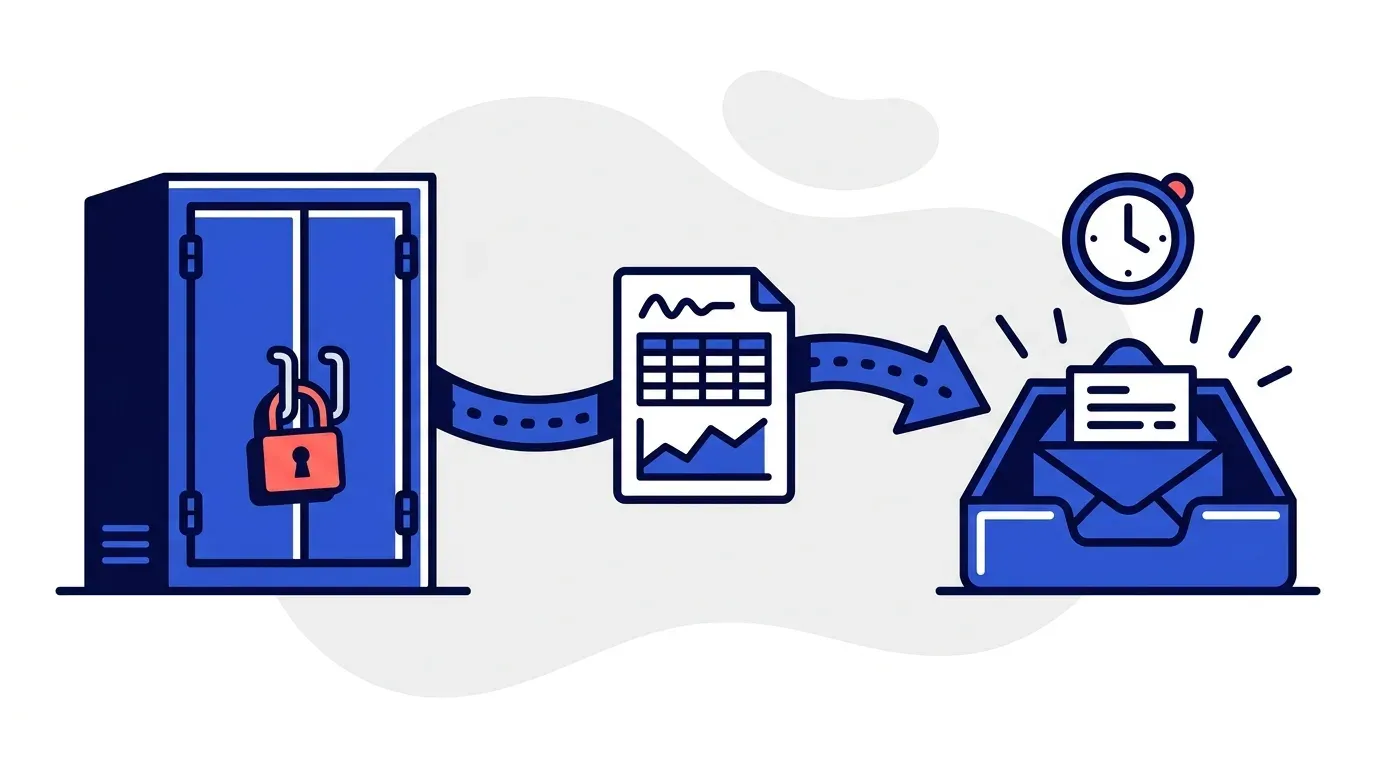
- Connect Sage. Authorize the connection; Yonovo imports invoices, customers, and aging.
- Set rules or let AI recommend them. Build your own workflows or approve Yonovo's suggested strategy.
- Choose channels. Email, SMS, voice, and WhatsApp, sent under your brand.
- Go live. Overdue invoices get followed up automatically, with status flowing back to Sage.
Most teams are live within a day.
Multi-entity collections
Organizations choose Sage Intacct largely for multi-entity accounting, so your collections layer should match. Confirm that invoices and aging sync per entity and that workflows can be segmented by entity, currency, or customer, rather than collapsing everything into a single queue.
Measure the impact
Watch DSO before and after automating. Faster, more consistent follow-ups generally bring it down and free up working capital. Estimate how much with our DSO calculator.
Next steps
If your team runs Sage and still chases invoices manually, automating collections is the fastest way to get paid sooner. See the Yonovo Sage integration, compare the market in our best AR automation software guide, or book a demo.
Frequently Asked Questions
Does Sage Intacct automate collections?
Sage Intacct handles invoicing, customer records, dimensional reporting, and statements, and it can schedule basic reminders. But it does not run multi-channel collection sequences, score customer risk, or escalate disputes automatically. Teams that want hands-off collections layer a dedicated AR tool on top of Sage.
How do you automate accounts receivable in Sage?
Connect a collections-automation platform to Sage so it imports invoices, customers, and aging. Define your follow-up workflows, choose channels like email, SMS, and voice, and let the system chase overdue invoices automatically. Payment and status updates sync back to Sage to keep your ledger current.
Does this work with Sage Intacct multi-entity setups?
Yes. A good integration syncs invoices and aging across entities and lets you segment workflows accordingly, which matters for the multi-entity organizations that choose Sage Intacct in the first place.
How fast can I set up Sage AR automation?
With Yonovo, most teams connect Sage and start automating follow-ups within a day, without a long implementation. Configuring additional workflows and segments takes a little longer, but the connection itself is quick.